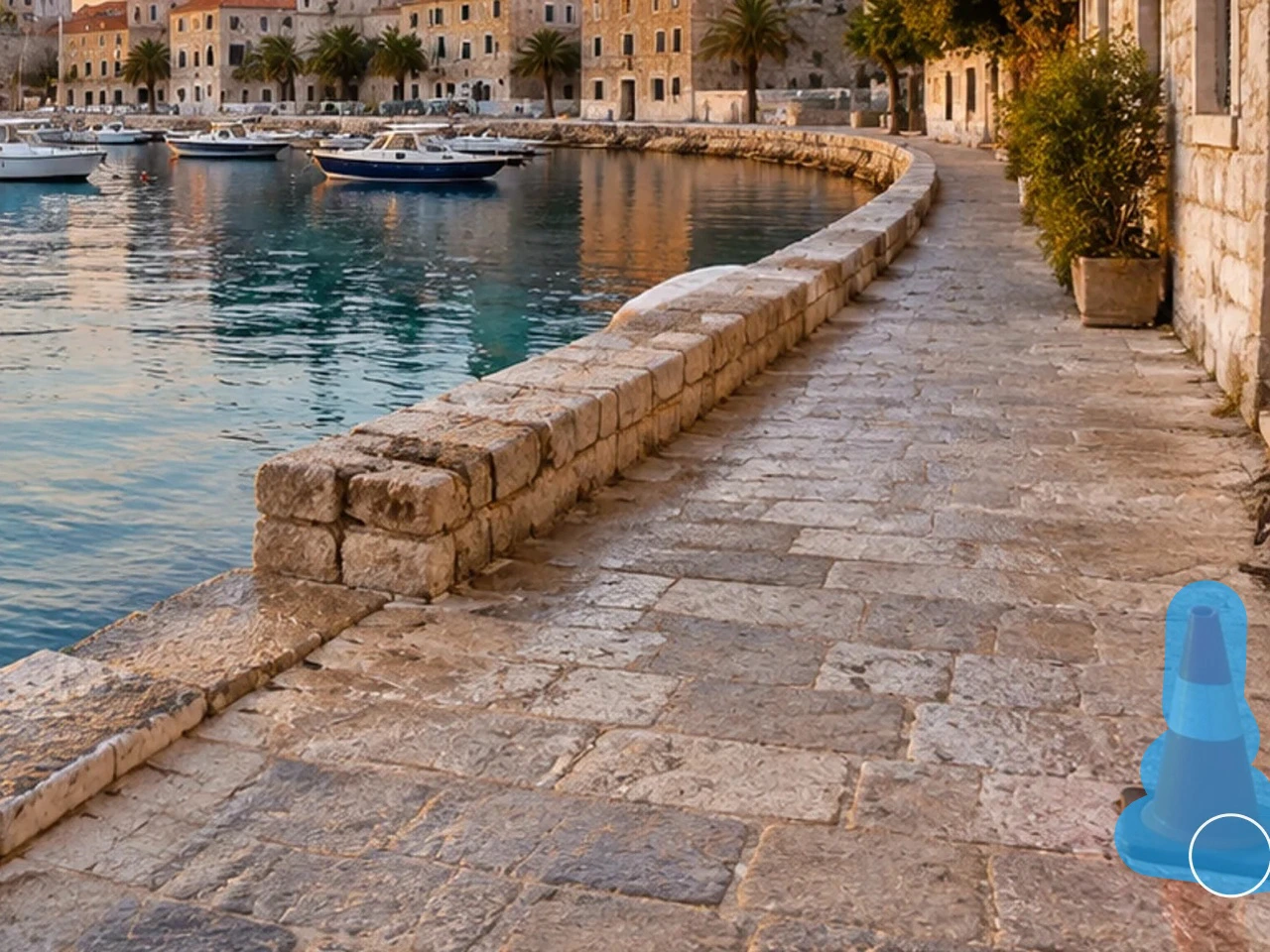
Best object removal use cases with AI Image Generator
Keep a nearly publishable photo and remove only people, clutter, text, wires, or other distractions.
Start object removalRemove objects in three steps with AI Image Generator
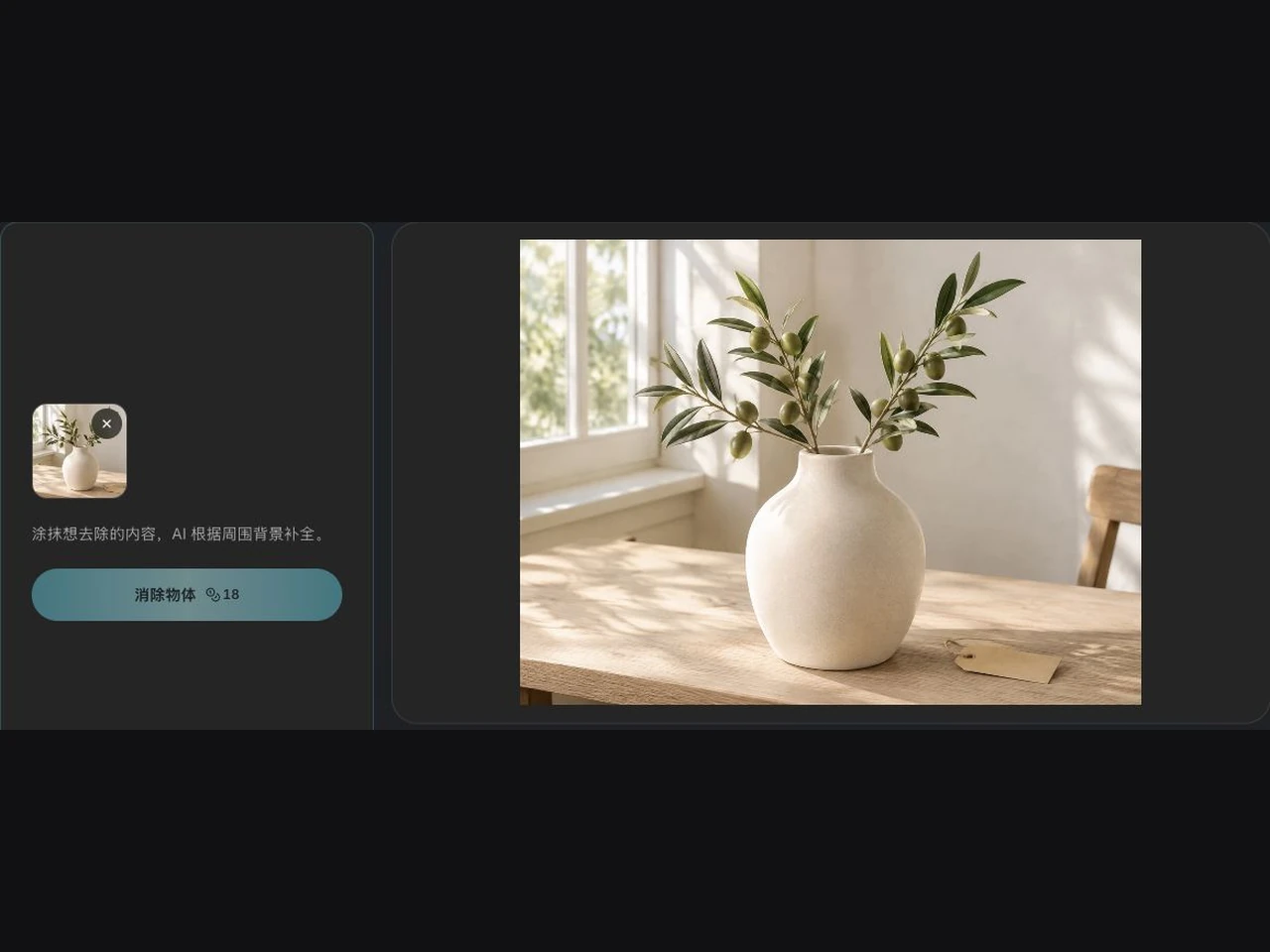 1
1AI Image Generator · Upload a photo
Start with a product image, portrait, travel photo, or AI generated image.
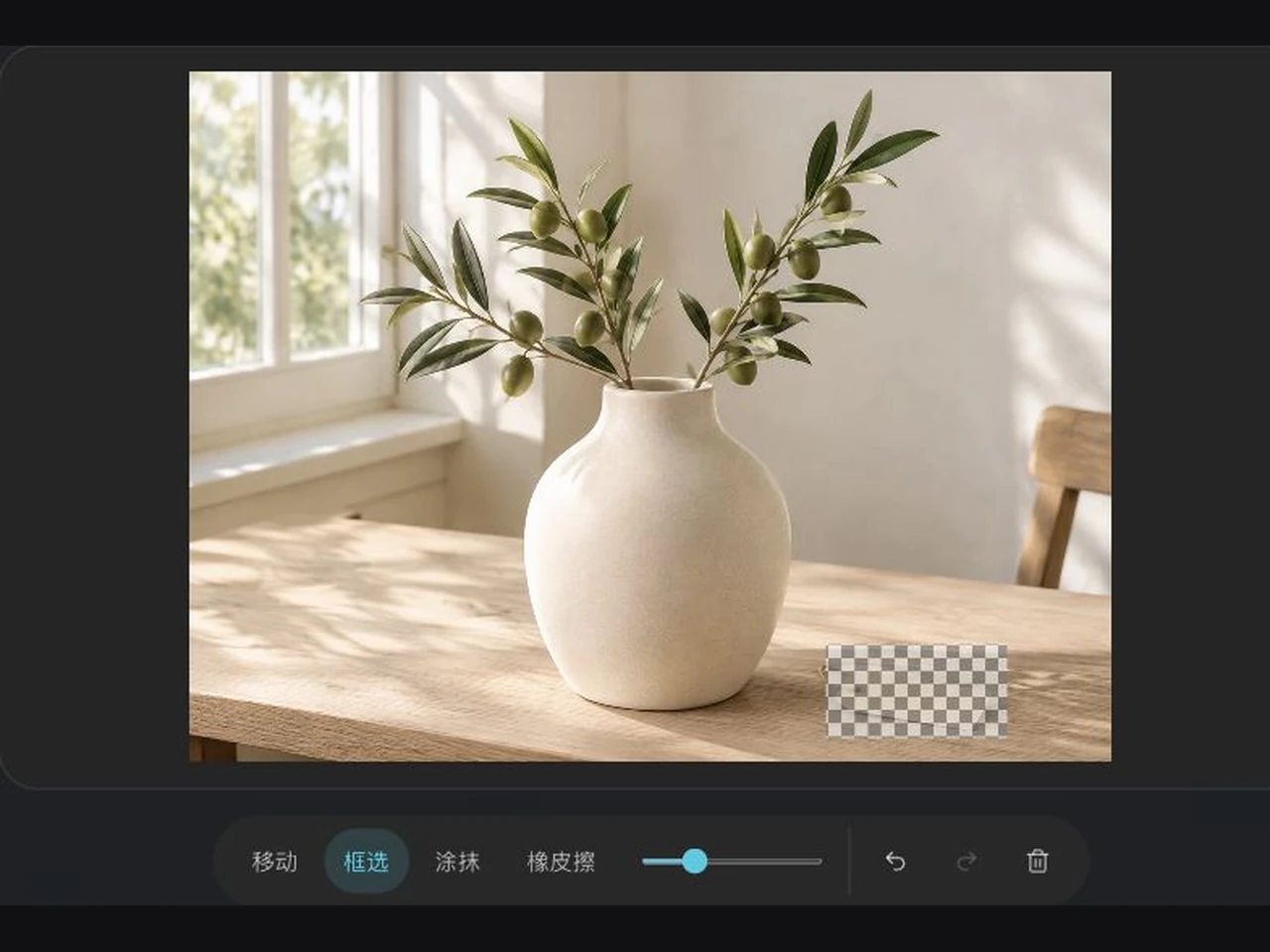 2
2AI Image Generator · Mark what to remove
Use move, rectangle, brush, or eraser to refine the mask.
- 3
AI Image Generator · Generate and download
AI rebuilds the selected area from nearby texture, light, and structure.
Turn photos into clean assets with AI Image Generator
AI Image Generator · Keep the subject and composition
Work only on marked areas to clear clutter, people, labels, and reflections.
Start object removalAI Image Generator · Brush level control
Select large areas quickly, refine edges with a brush, and undo or redo at any time.
Start object removalAI Image Generator · Ready for many publishing contexts
Prepare cleaner visuals for ecommerce listings, social posts, ads, property pages, and presentations.
Start object removalTurn photos into clean assets with AI Image Generator
Keep a nearly publishable photo and remove only people, clutter, text, wires, or other distractions.
AI Image Generator object removal questions
AI Image Generator: What can I remove?
You can try removing people, objects, text, clutter, signs, wires, reflections, and other visual distractions.
AI Image Generator: How is this different from background removal?
Object removal edits the local areas you mark, while background removal separates the subject from the whole image.
AI Image Generator: How do I adjust the selection?
Switch between move, rectangle, brush, and eraser, adjust brush size, then undo, redo, or clear the mask.
AI Image Generator: Will the background be perfectly reconstructed?
The model infers nearby content, so complex textures and occluded areas can change. Check important details before download.
AI Image Generator: Can I remove a person?
You can mark a passerby or unwanted person. Results vary when the person overlaps the main subject.
Explore more tools from AI Image Generator
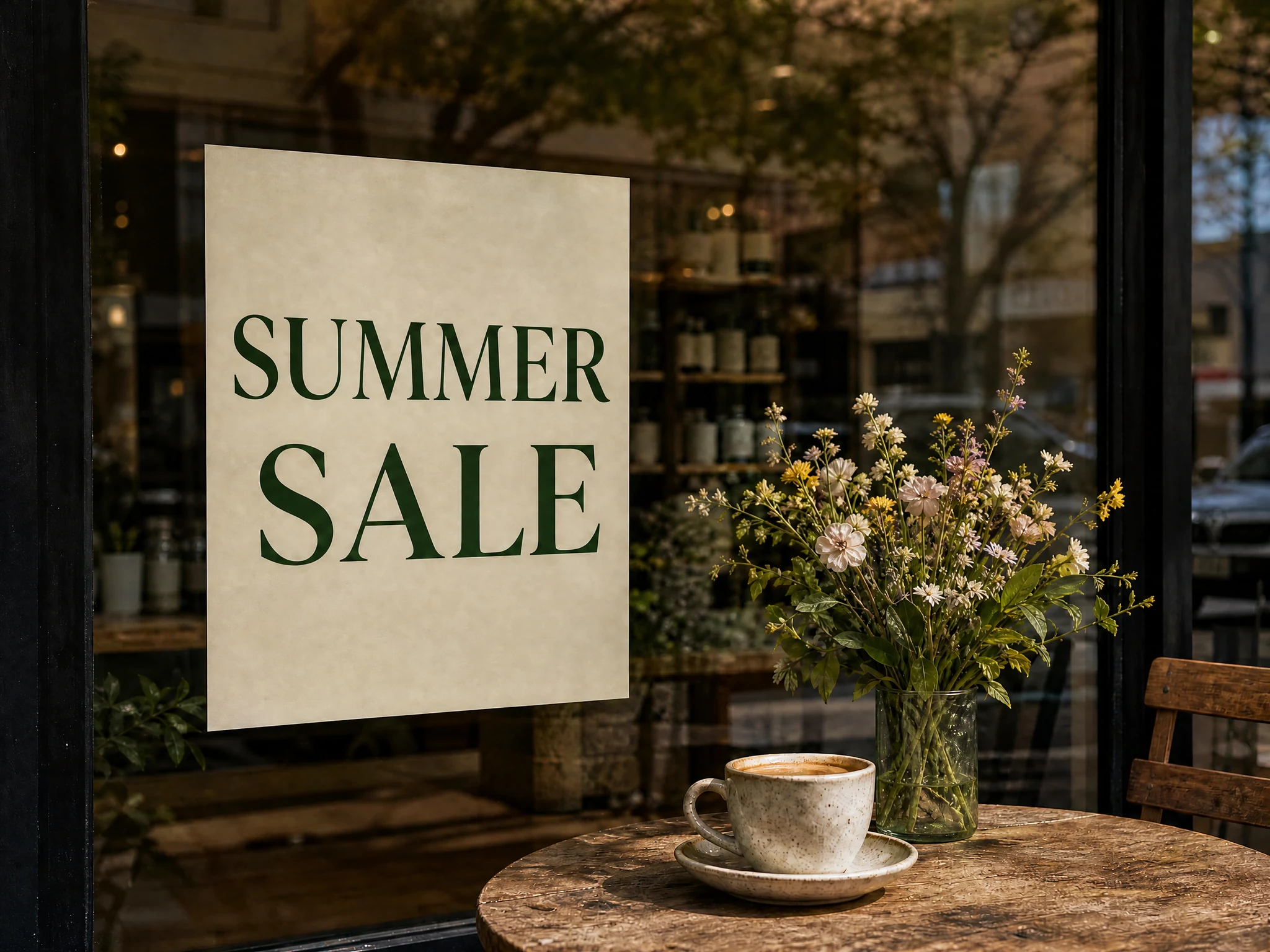
AI Image Generator · image editor
Recognize and edit text in photos while keeping the original layout and style.
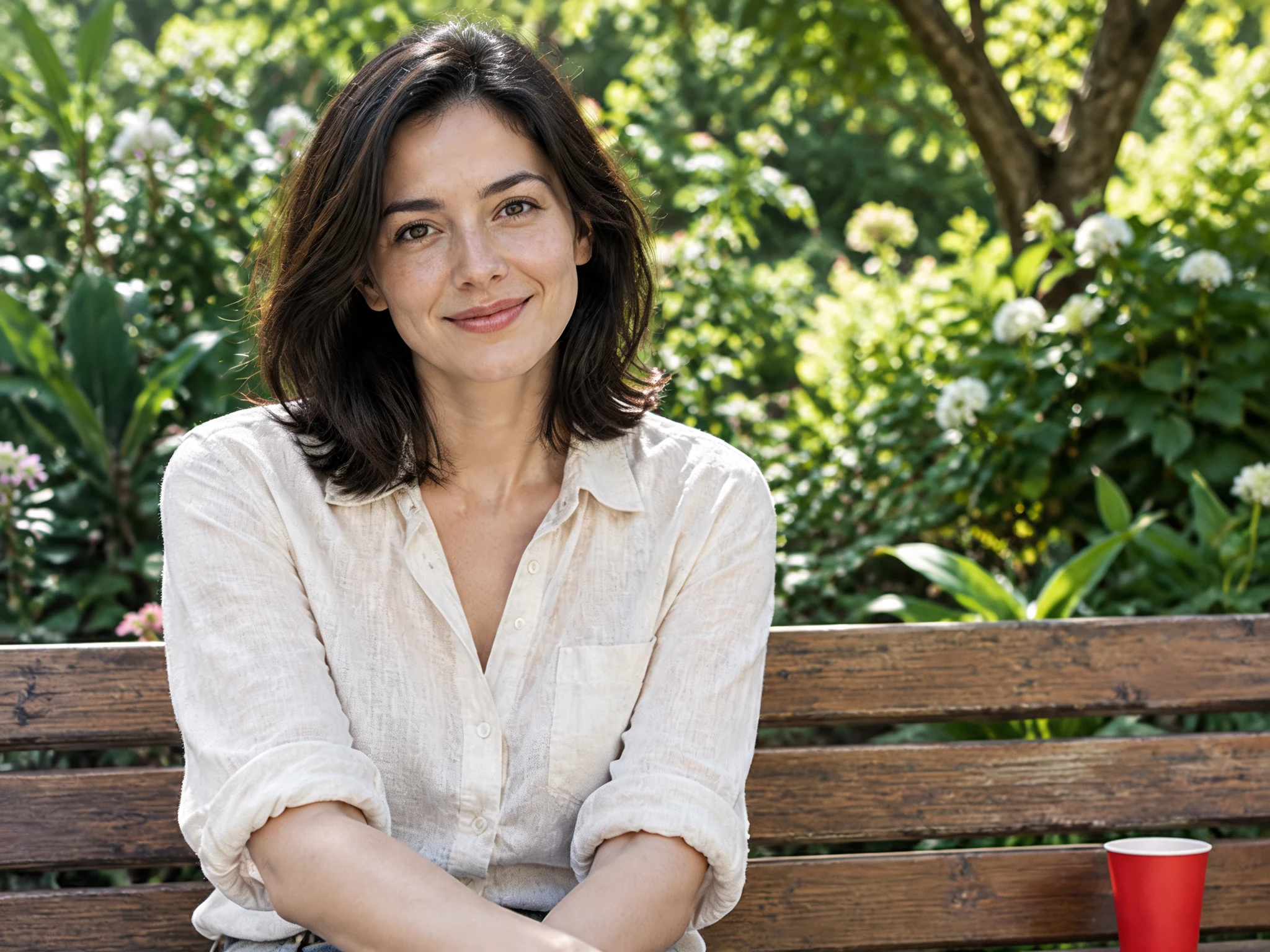
AI Image Generator · image upscaler
Enlarge photos and bring out details in portraits, products, and scenery.
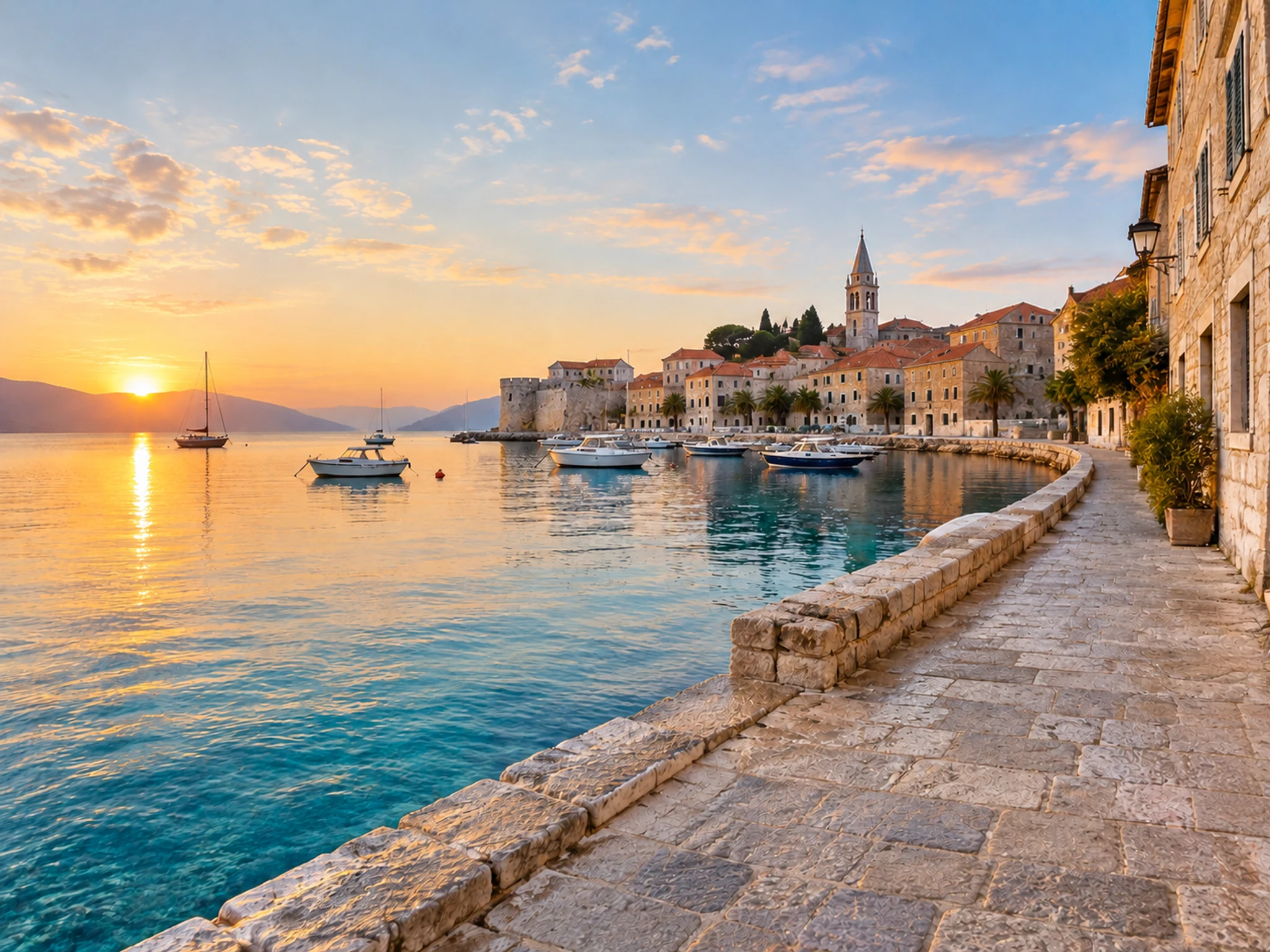
AI Image Generator · watermark remover
Clean up text and marks for a clearer subject and background.
Start object removal with AI Image Generator
Keep a nearly publishable photo and remove only people, clutter, text, wires, or other distractions.
Start object removal