Free AI Face Swap Generator for Product Photos, Ads and Creative Looks
AI Face Swap is an AI image-editing tool for exploring face changes and portrait ideas from one reference image and a written prompt. Choose Face swap, Character, Fashion or Social, then preview and download the result.
BeforeAfter
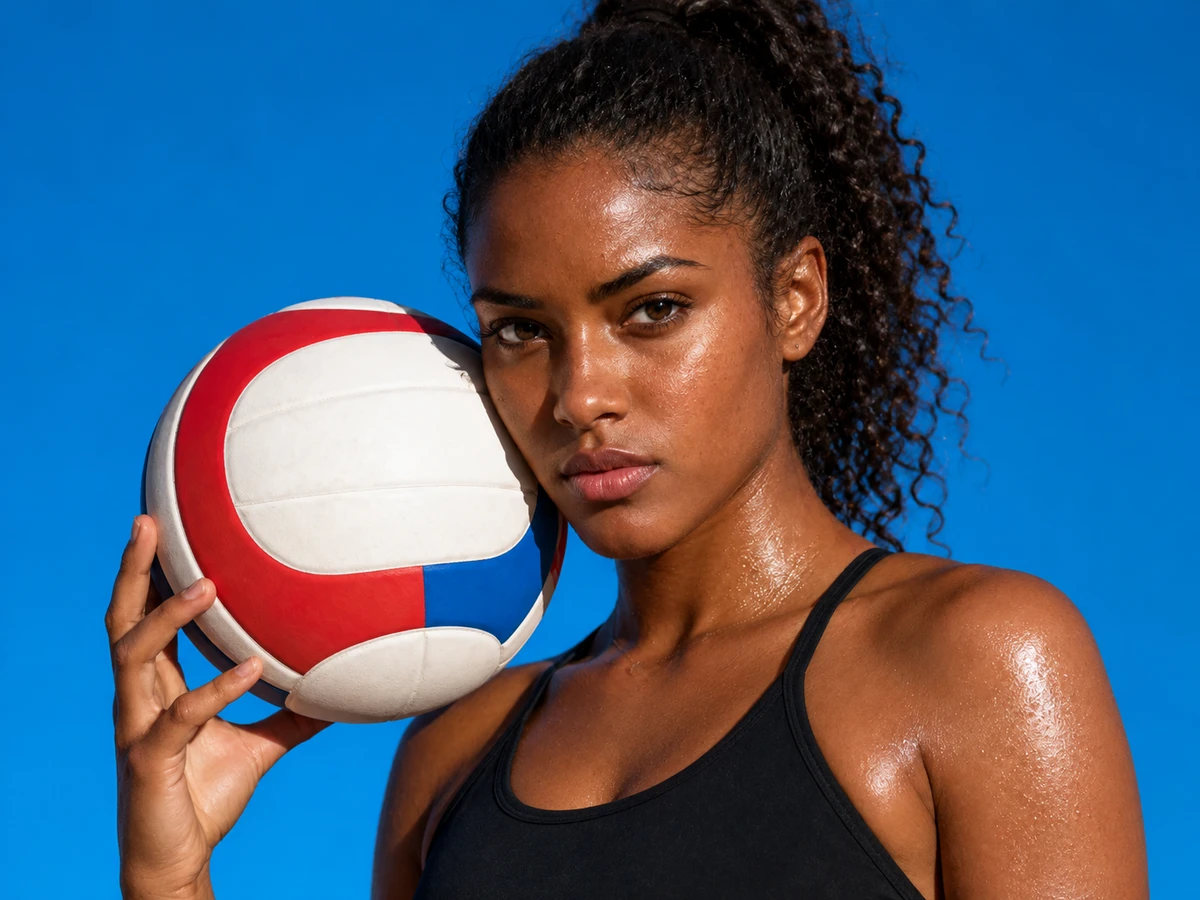
AI-created illustration
One reference image
Four creative starting points
Preview and download
How to Use AI Image Generator's AI Face Swap Generator
Upload
STEP 1
Upload your reference photo
Start with one image you want to transform: a product scene, profile portrait, character photo or social concept. Choose a photo you own or have permission to use, with a clear, unobstructed face so the model has a useful reference.
Select
STEP 2
Click Swap to generate
Choose Face swap, Character, Fashion or Social, then refine the prompt to describe your desired look. Ask to keep the pose, outfit, background and lighting, check the credit estimate, and click Swap face to generate your image.
STEP 3
Download and share
Preview the result and check the face, expression and scene. Click Download result below the image to save it for sharing, or choose Try another photo to start again with a new reference while keeping your prompt for the next attempt.
AI-created illustration
Why Choose AI Image Generator's AI Face Swap Generator?
CAMPAIGN CONCEPTS
Create More Ad Variations From One Face Reference
Explore campaign concepts from a familiar portrait before choosing a creative direction.
Why Ecommerce Teams Use AI Image Generator AI Face Swap
AI face swap helps ecommerce teams preview casting and campaign concepts from one authorized reference image and a prompt. Review the generated draft to choose a direction, and check the face, scene and product details before using it.
Creative previews
Try campaign, character and portrait directions with a reference image and a prompt.
Use photos with permission
Choose photos you own or have permission to edit, including permission from the people pictured.
Guide the scene
Describe the pose, lighting and background you want to keep or change, then inspect the result.
Compare your result
Review the reference and generated image to decide which details need another try.
1
One reference image
4
Four creative starting points
↔
Preview and download
FAQs About AI Image Generator's AI Face Swap Generator
What is AI Face Swap?
This tool uses AI image editing with one reference image and a written prompt. Describe the face or creative direction you want to explore.
How many credits does a swap use?
The cost depends on the model and settings. Check the current credit estimate in the form before generating.
Can I try a character or cosplay look?
Choose Character or describe the costume and setting in your prompt. The result depends on the reference and how clearly you describe the look.
Can I use the result in a project or campaign?
Use references you own or have permission to edit, including consent from the people pictured. Check the rights needed for your intended use; this tool does not grant them.
How can I improve the result?
Use a clear photo with one unobstructed face and describe the desired angle and look. Review the result and refine your prompt or reference if details look off.
Can I explore product photo concepts?
Upload an authorized product scene or creative reference and describe your direction. Inspect product shapes, labels and other details in the result before using it.
What happens when I upload a reference?
Your image goes through the site's upload flow and is used as a generation reference. Only upload images you have permission to use, and avoid private or unauthorized photos.
Will the result look natural?
Results vary with the reference and prompt. Check the face, edges, expression and lighting, and refine your prompt or reference if something looks distorted.
Explore more AI tools and creative examples
Swap Faces for Your Next Product Creative
Bring an authorized reference image, describe your direction and create a look of your own.

 Upload