01
Photo to comic art
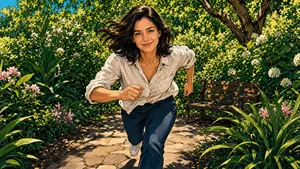
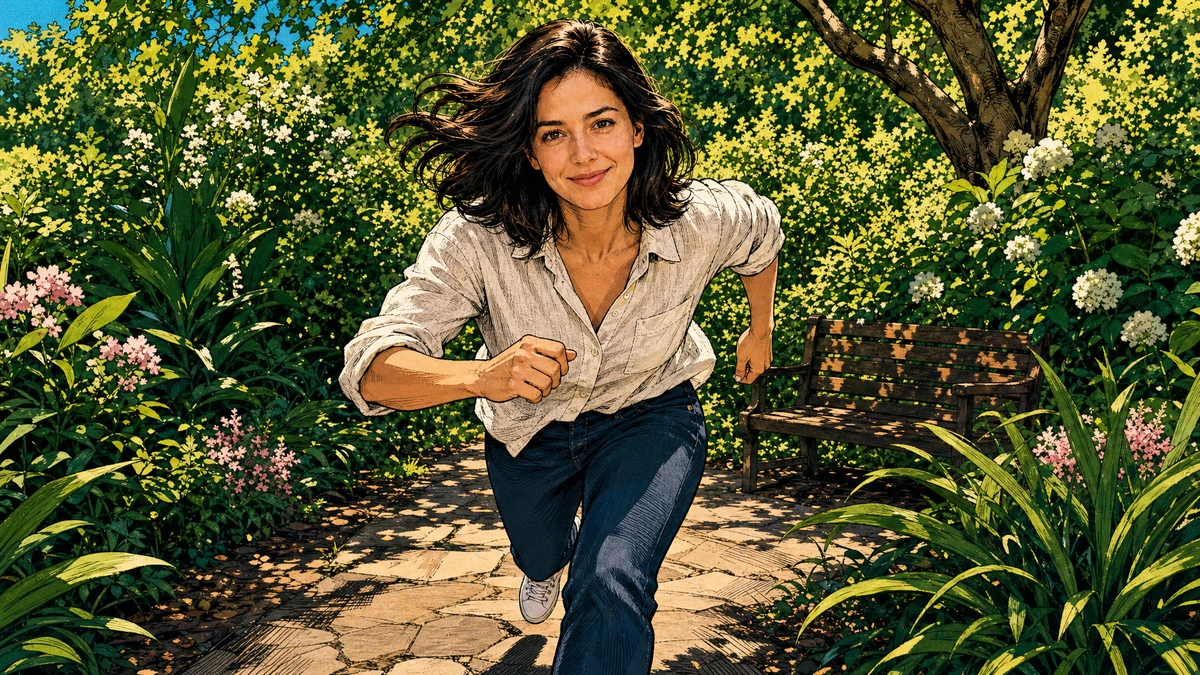
Start with a portrait or scene and choose American comic or Ink for a new drawn version of your photo.
Create a panel
Compare these illustrative style previews before choosing a visual direction. Your result will depend on the image you upload, the style and your description.
Start with a portrait or scene and choose American comic or Ink for a new drawn version of your photo.
Create a panel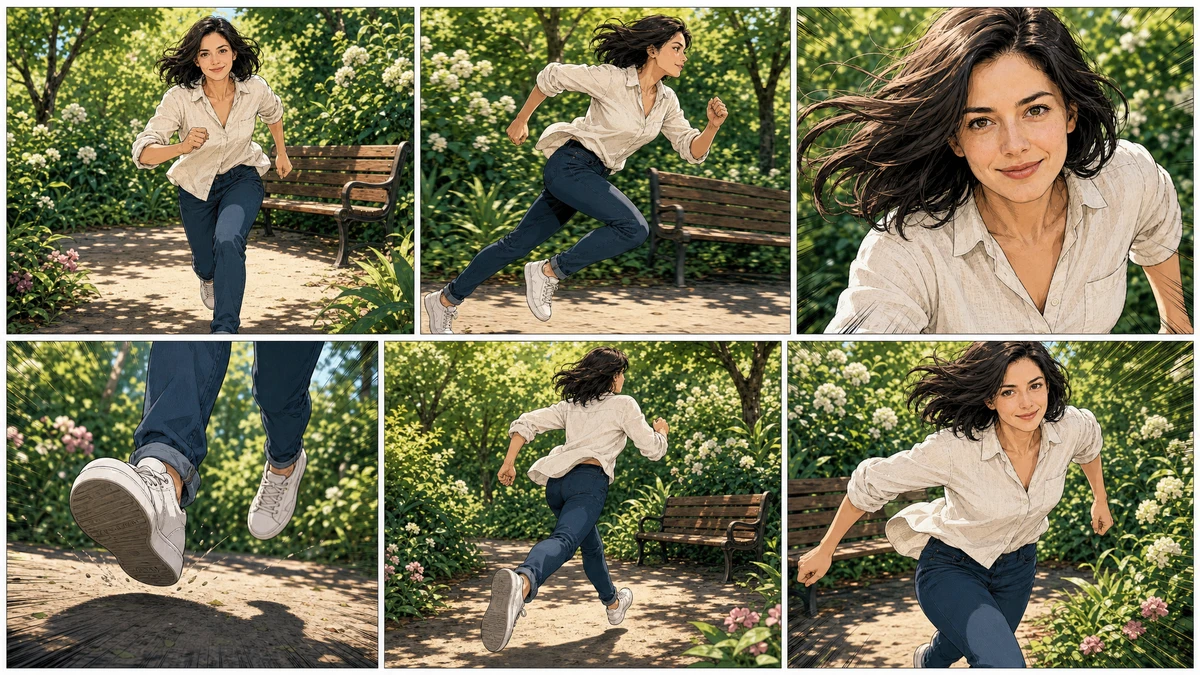
Choose Storyboard to try a multi-panel composition within one generated image. Review the panels; this is not a multi-page comic editor.
Make a storyboard
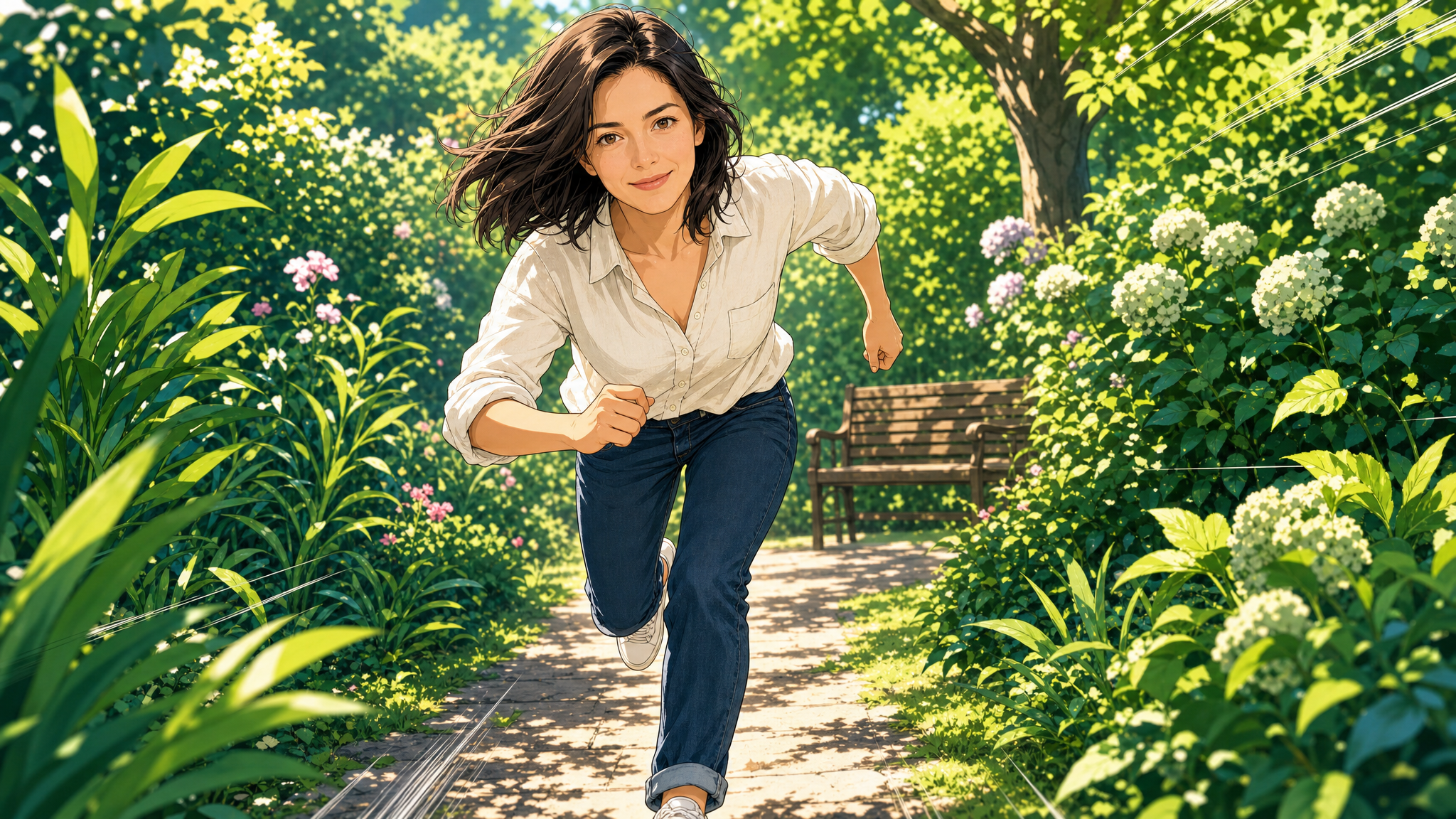
Transform a source image with the Manga or Webtoon style, then compare the linework, colors and composition with the original.
Generate Manga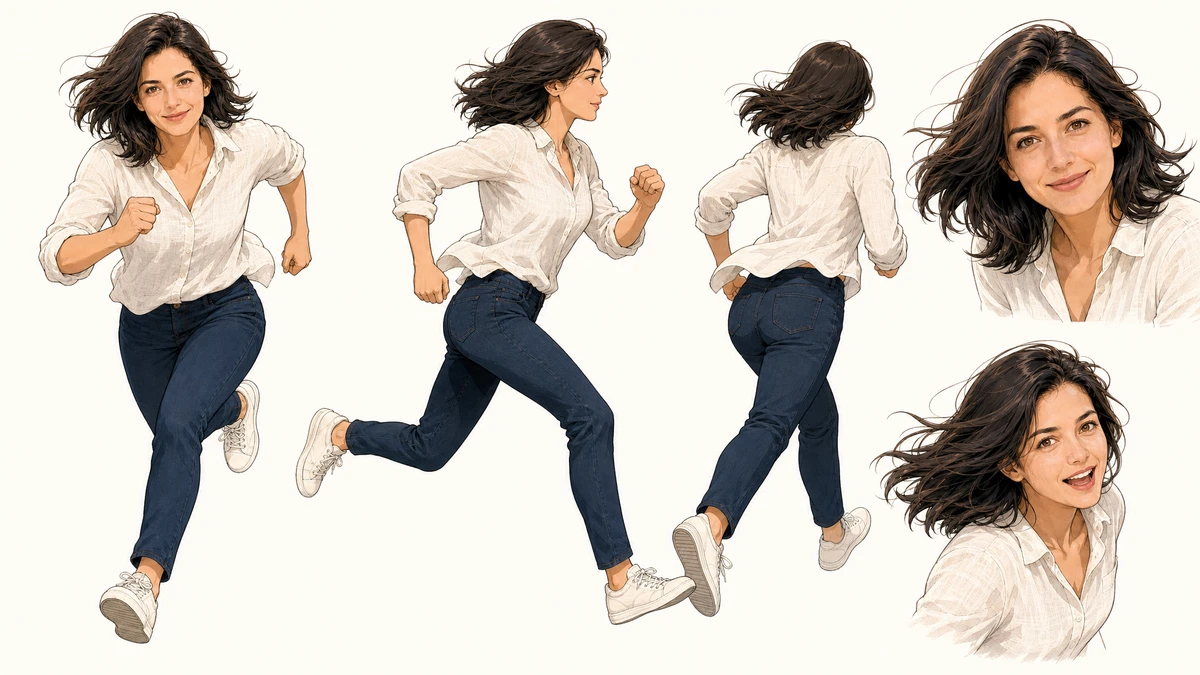
Choose Character art to explore an illustrated version of the person in your uploaded image. Check clothing, facial features and other details in the result.
Design a character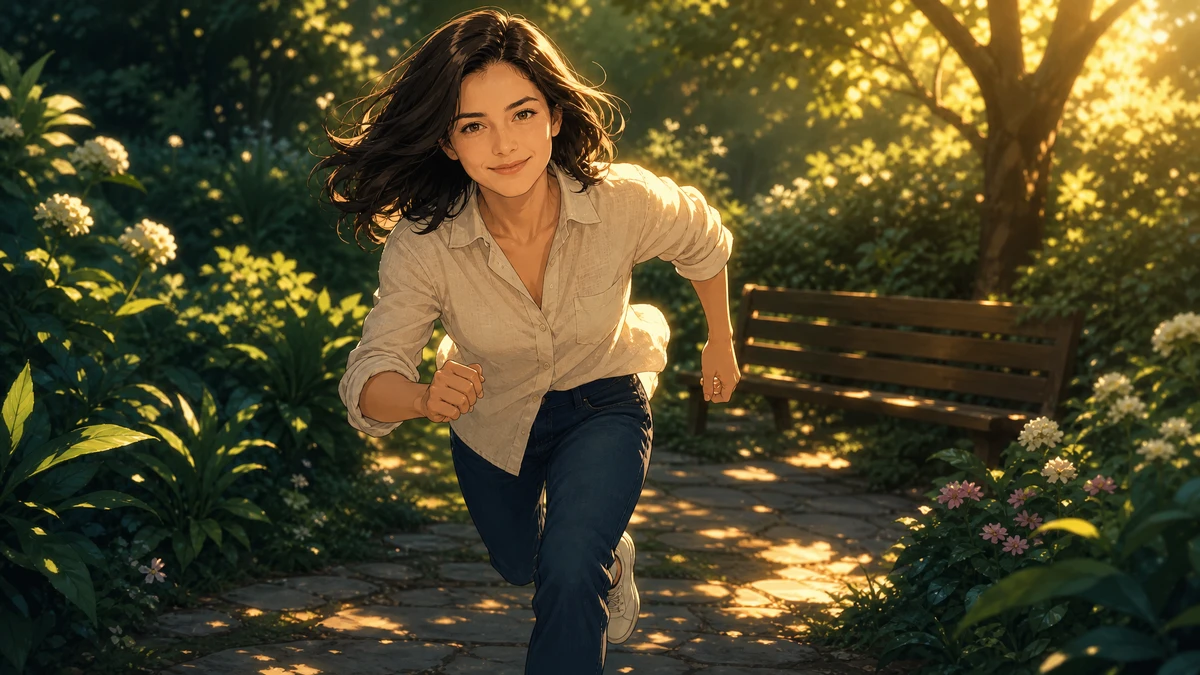
Try Cinematic with a source photo to create an illustration for a cover or poster. Review the image and add titles or precise lettering afterward in a layout editor.
Create a coverUpload one JPG, PNG or WebP image. Choose a clear portrait or scene with the subject and framing you want to use.
Compare the nine style previews, then choose Manga, Webtoon, American comic or another look. You can add a prompt to describe details in your photo.
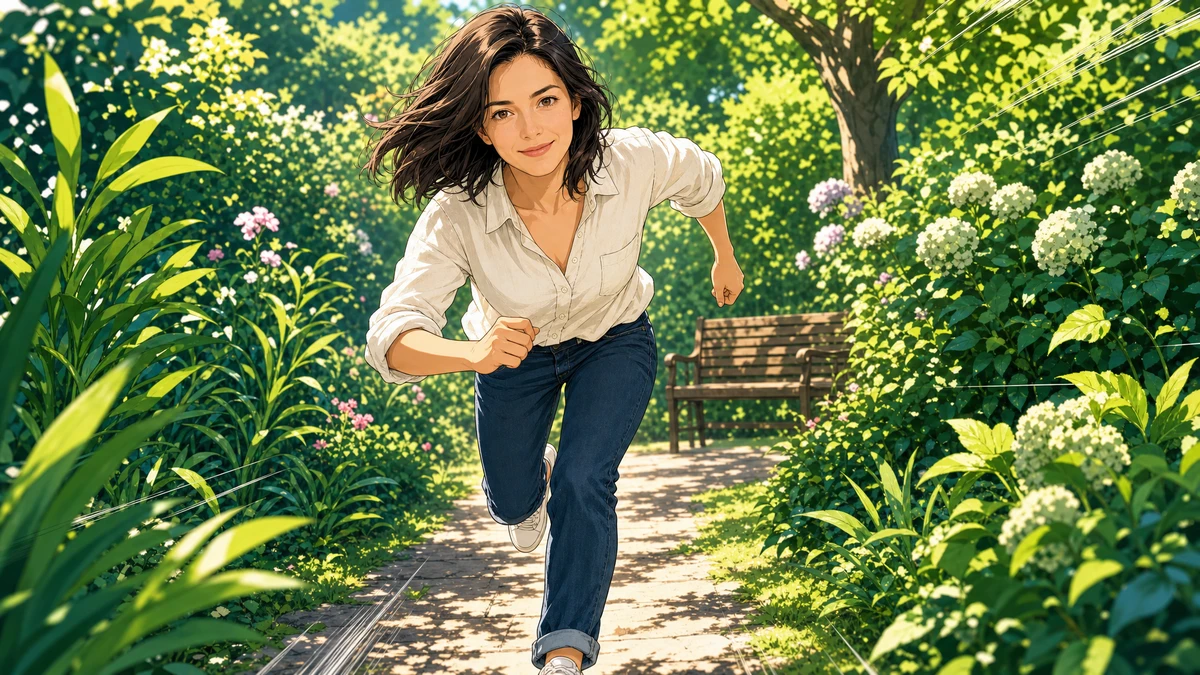
Check the credit estimate and generate your comic image. Compare the result with the original photo, review faces, hands and any lettering, then download the version you want to keep.
AI COMIC CREATOR
Start your photo-to-comic transformation: add one image, choose a style, check the credits and review the generated comic before downloading.
TransformTurn a photo into comic art, anime or manga. Choose a style to start.


Add a photo to start