Start before the decorations are up
Describe the room or winter setting without arranging a Christmas set first.

Your Christmas photo shoot
Create a Christmas portrait from your photo. Choose satin, velvet, a snowy window, or a boudoir look with warm tree lights, then add your own details.
Find a portrait idea you like, then try it with your own photo. The look sets the outfit and scene. For Christmas boudoir photos, choose the boudoir look and add your own pose or lighting idea in Customize.
Choose a clear photo with your face visible. Include your outfit if you want a full holiday restyle.
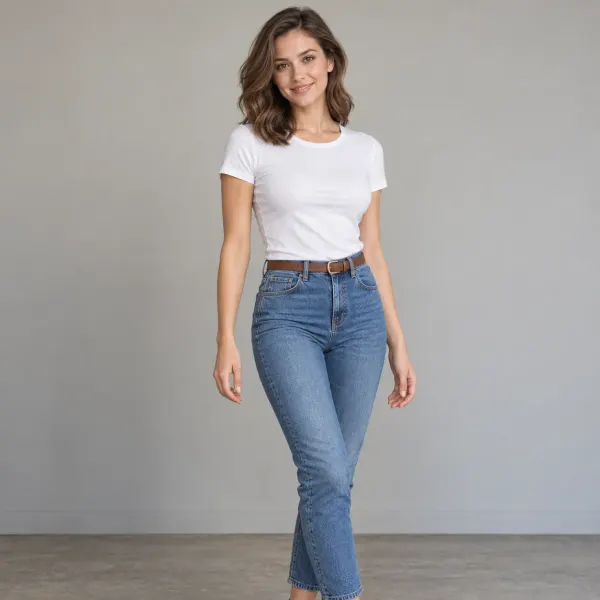
Pick a look from the images. In Customize, add the outfit, lighting, and details you want to change or keep.
Create a portrait, inspect the result, and download it. Keep your photo and details while trying another look.
AI-created style examples, not finished results from this tool.
Choose a look, then add the pose, lighting, or personal details you want in Customize.
Describe the room or winter setting without arranging a Christmas set first.
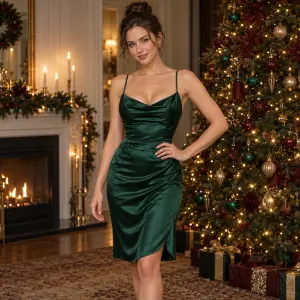
Compare silk, velvet, and festive evening looks in your own photo.
Switch from soft window light to a warmer evening scene without uploading your photo again. Your added details stay in place.
Find Photo options in Customize. For a card portrait, ask for space beside you and add your greeting after downloading.
AI-created style examples, not finished results from this tool.
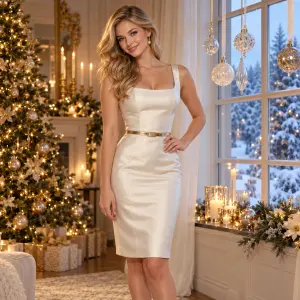
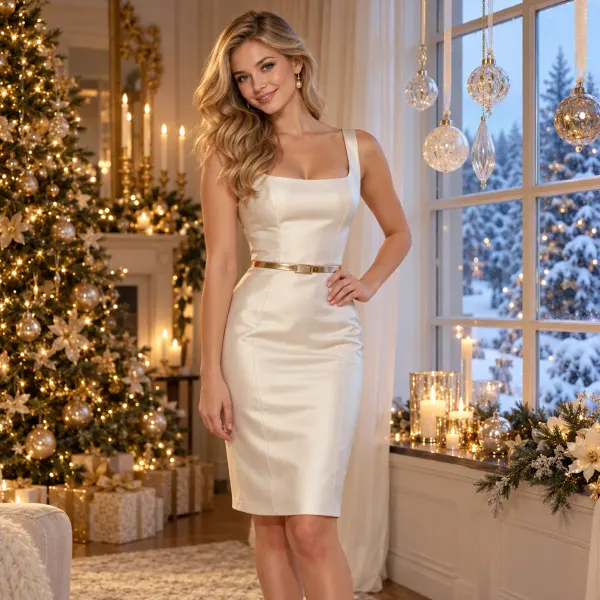
Create a portrait for a winter card with ivory silk, a snowy window, and delicate ornaments. This look asks for room beside the person so you can add a greeting later.
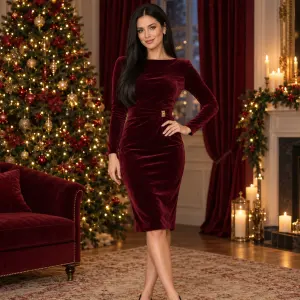
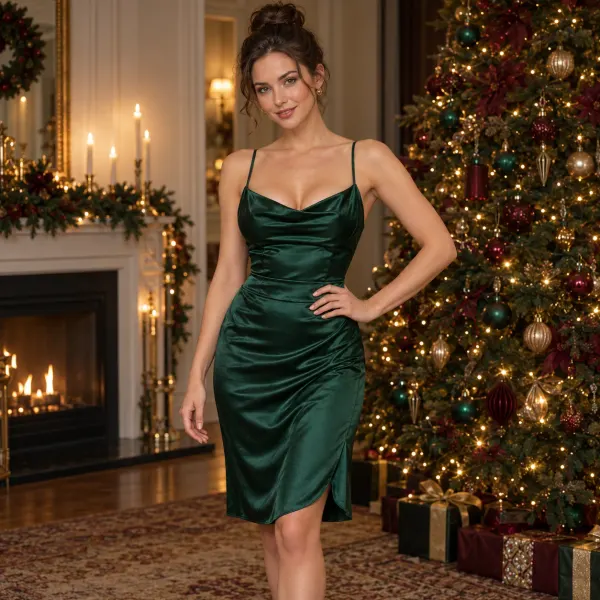
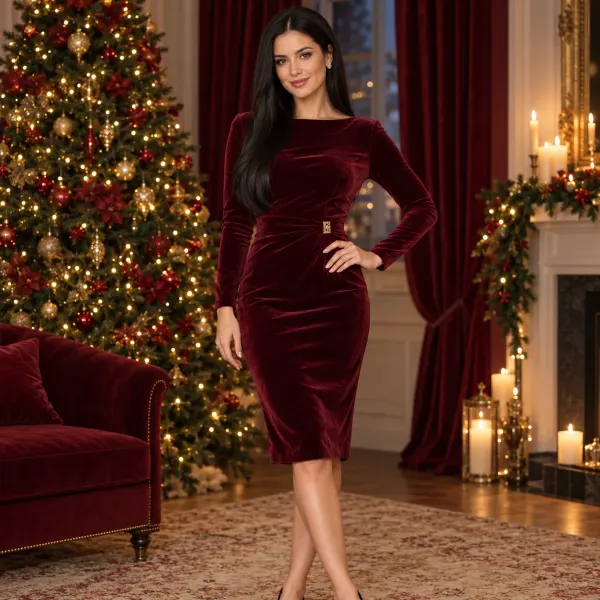
A burgundy velvet wrap outfit, golden tree lights, and a softly lit room create a rich evening portrait for a seasonal post or personal collection.
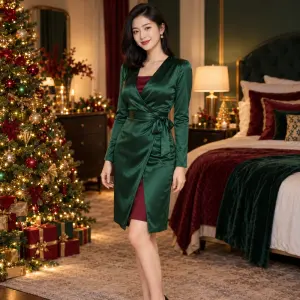
Pair an emerald satin robe and burgundy velvet bodysuit with a softly lit bedroom. Keep the framing close for a personal portrait, or describe more of the decorated room in Your details.
Start with a portrait, choose a look, and add any personal details in Customize. Create when you are happy with the options, then preview and download your image.
Yes. Your photo does not need Christmas decorations or festive clothing. Describe the changes you want in the scene, outfit, and light.
Choose Christmas boudoir, then try 'warm tree lights behind me, soft side lighting, and a relaxed seated pose' in Your details. The look starts with a satin robe over a velvet bodysuit; you can change those wardrobe details too.
The uploaded photo guides the appearance, but AI may change facial features and small details. A clear source photo and clear details in Your details help you direct the edit. Review the result before using it.
Yes. Describe the framing you want in Your details and check the downloaded image at full size. The winter-window look asks for space beside the person for a greeting; add the final text in your preferred editor.
No separate photo shoot or app is needed to use this tool. Upload a photo from your phone or computer and create in the browser.
Yes. Generation uses credits, with an estimate shown before you submit. Uploading a photo or changing a preset does not start a generation.
Compare warm tree lights with a brighter winter window, or silk with velvet. For a satin-robe and velvet-bodysuit portrait, choose Christmas boudoir in Customize.
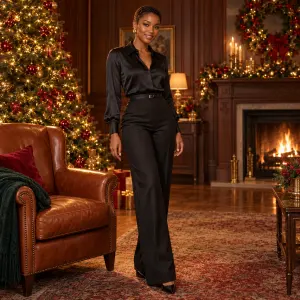
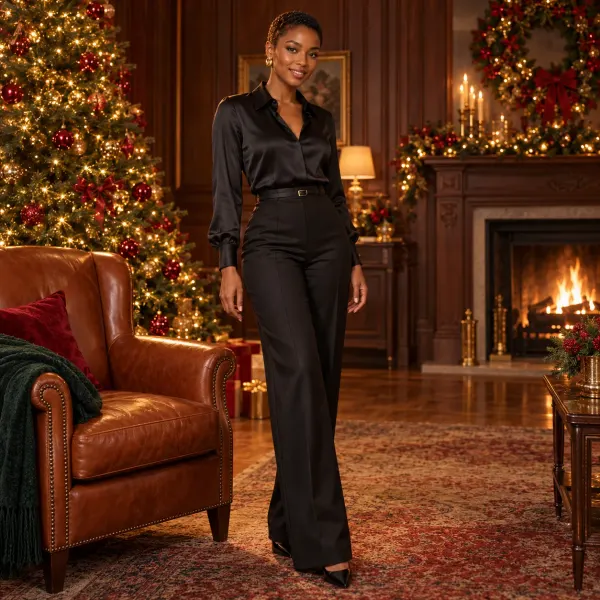
A relaxed portrait with dark silk, a leather chair, and festive lights.
Try this lookAn evening portrait with rich color and a softly glowing tree.
Try this lookAI-created style examples, not finished results from this tool.
Upload a clear portrait, choose your Christmas look, and add the details you want before creating.
Your Christmas photo shoot
Create a Christmas portrait from your photo. Choose satin, velvet, a snowy window, or a boudoir look with warm tree lights, then add your own details.