AI Image Generator
ImageVideoSeedanceMusicMy Creations
Pricing
Sign in
Start Creating
Subscribe Now
ImageVideoSeedanceMusicMy CreationsPricing

Image Tools

AI Object RemoverAI Watermark RemoverAI Face SwapAI Clothes RemoverGoEdit Image TextAI InpaintingAI ComicAI Outfit ChangerAI Image ExpanderChristmas PhotosHalloween Photo EditorAI Image Upscaler

Video Tools

AI EffectsAI Kiss GeneratorChristmas Videos
Loading...

AI Christmas Video Generator

Describe a Christmas scene, or add your photo for a Santa makeover, a couple's wave or a festive pet. Pick a scene and make it yours.

View history
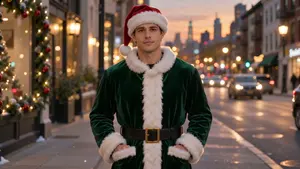
An adult transforming into a green Santa coat and hat on a festive city street
  • Photo, video & music references
  • Choose a festive effect
  • Customize and download

Choose your Christmas video effect

Start with a Santa makeover, a wave from the two of you, or a pet greeting. Open a scene to make it your own.

  • Adult changing into a green Santa outfit

    A smooth Santa makeover as snow falls around you.

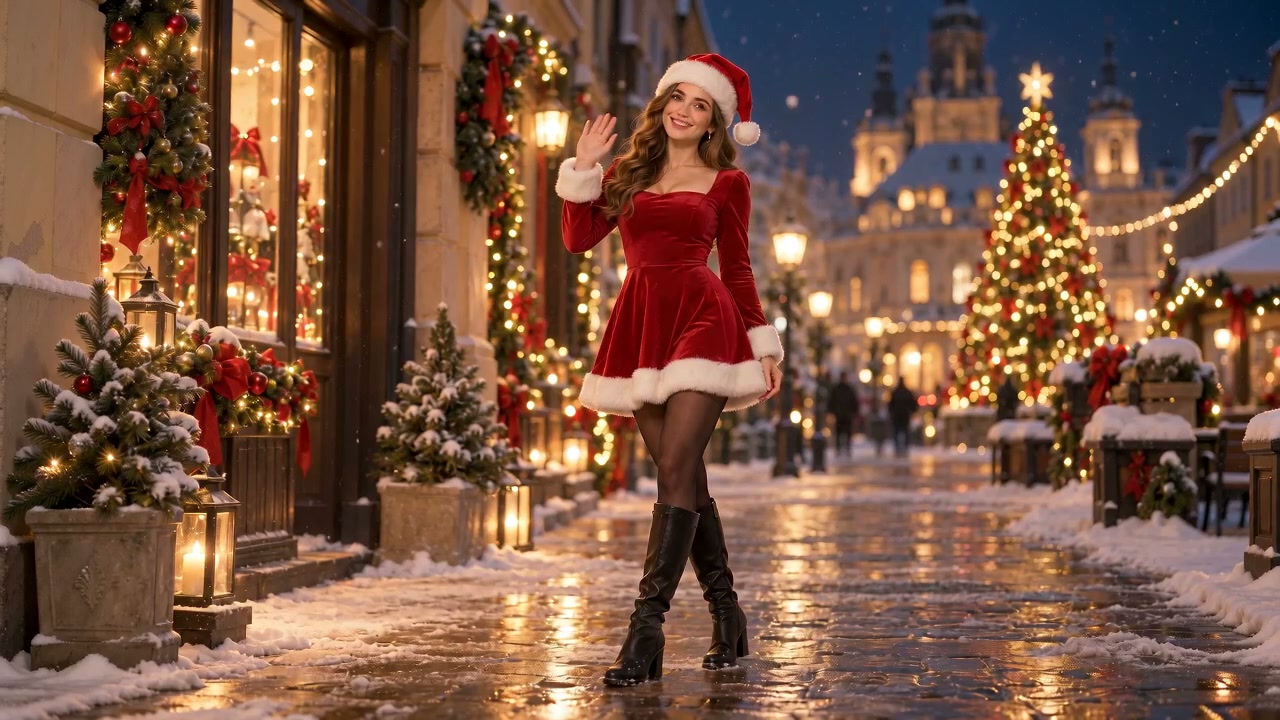
  • Adult woman in a red Christmas outfit with warm holiday lights

    A red holiday look and warm golden lights.
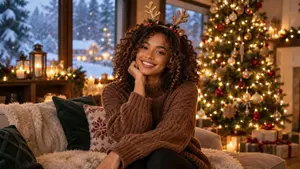
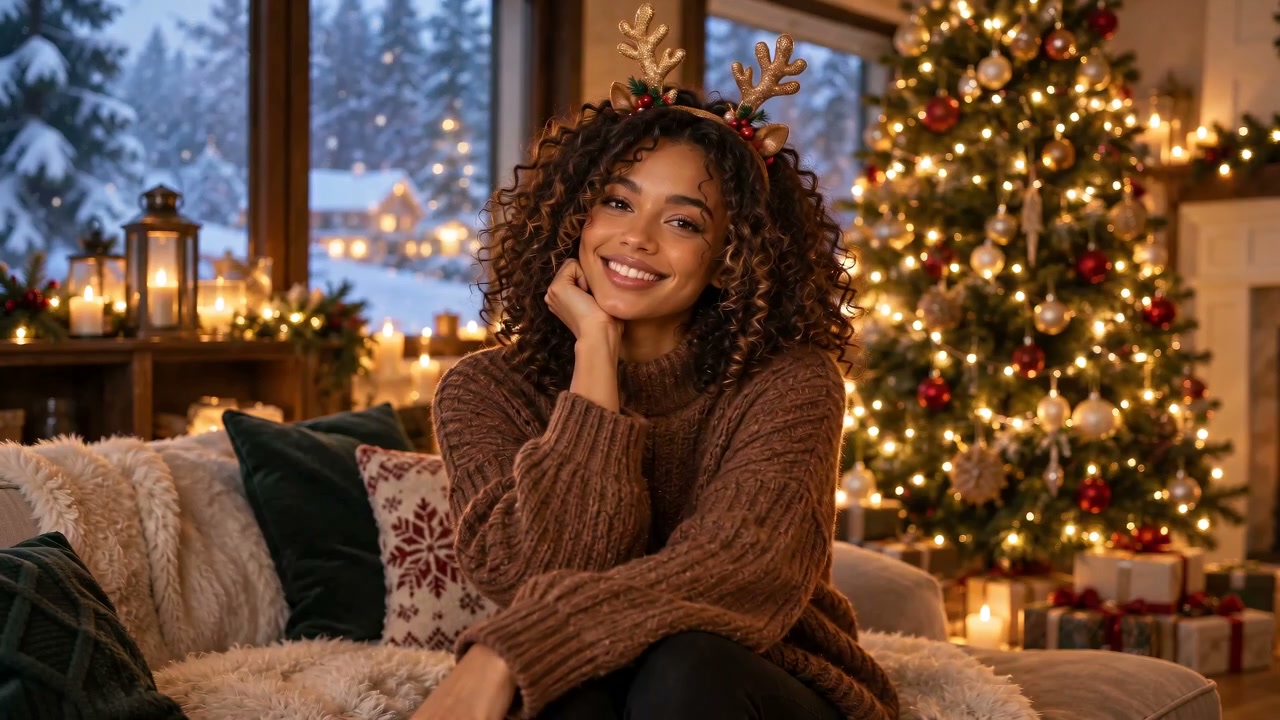
  • Adult wearing an antler headband and a reindeer-inspired winter outfit

    Antlers and a winter outfit for a playful Christmas smile.
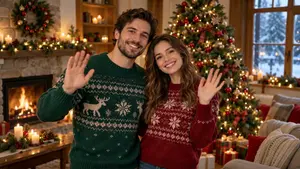
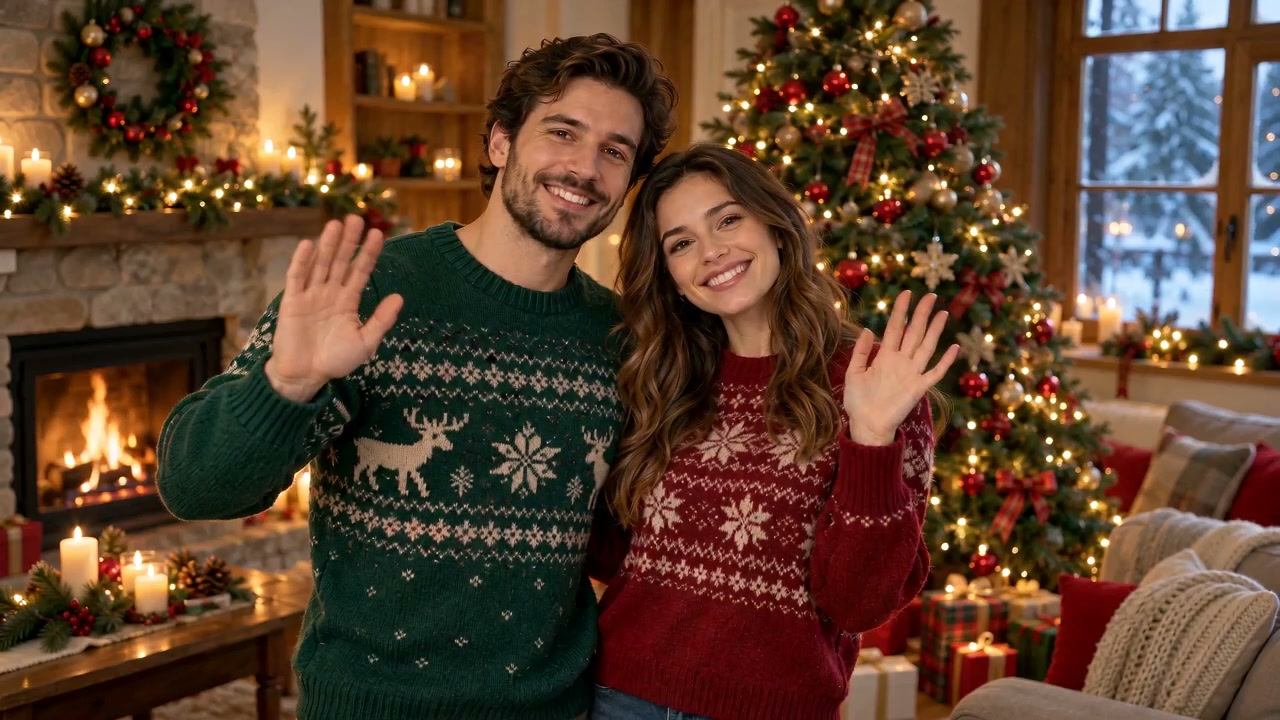
  • Adult couple in red and green sweaters waving beside a Christmas tree

    A little wave from both of you beside the tree.
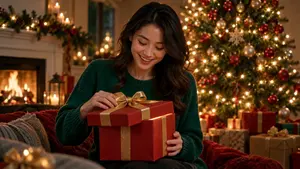
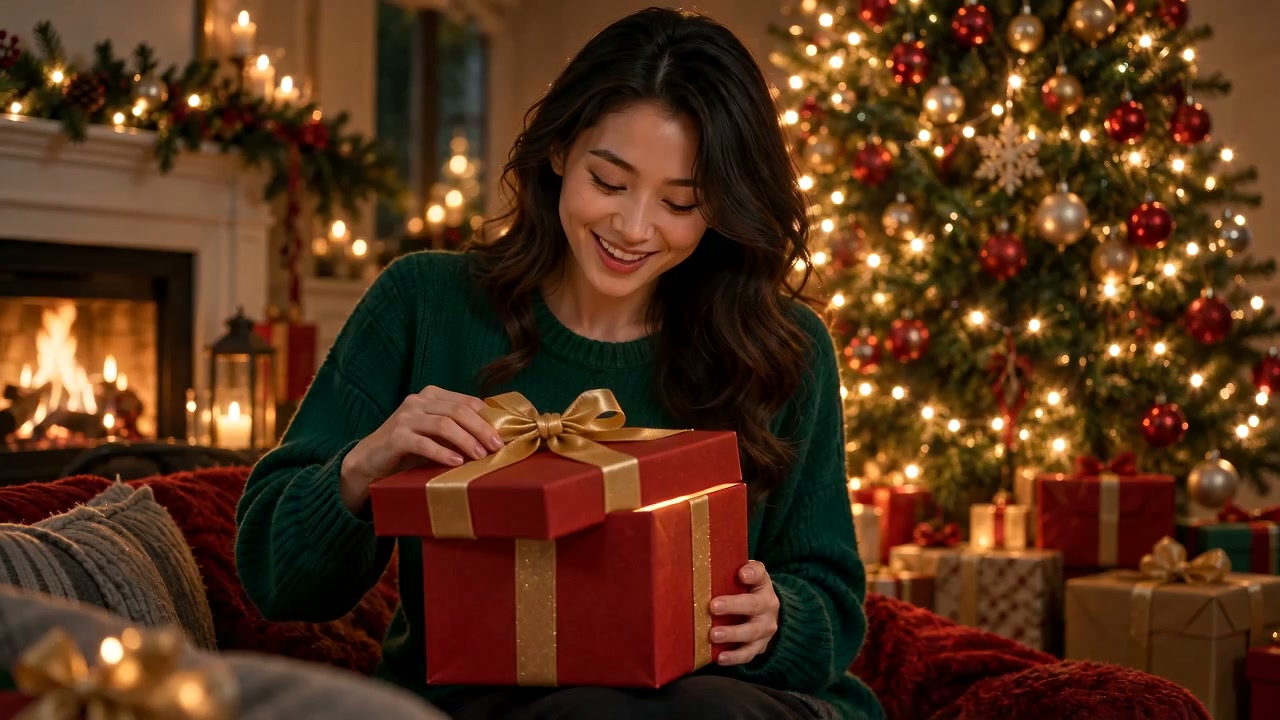
  • Adult opening a glowing Christmas gift box

    Open a gift box and watch a golden glow light the moment.

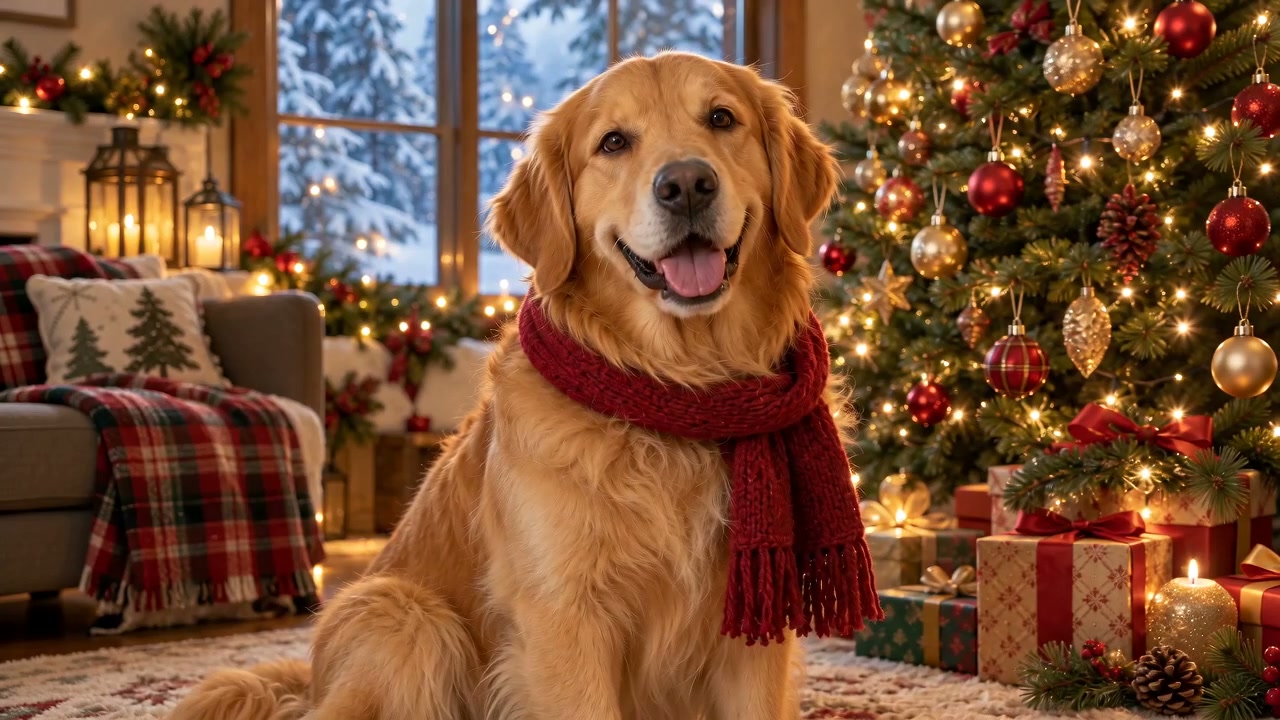
  • Golden retriever in a red scarf beside Christmas decorations

    A red scarf, tree lights, and a curious head tilt.
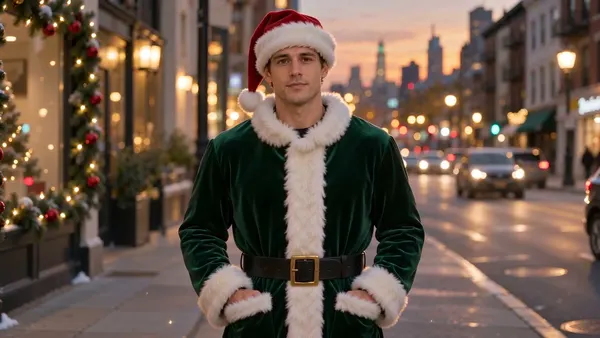
Adult changing into green velvet and a Santa hat beside Christmas lights

START WITH YOUR OWN REFERENCES

Create a Christmas clip from your references

Build a new Christmas clip around your own references: photos for the people or setting, a video for movement, and optional MP3 music for sound inspiration. Describe what should happen, such as a wave as snow falls or a gift opening beside the tree.

Create from my references
Adult changing into a green Santa outfit and Christmas hat

PUT YOURSELF IN THE CHRISTMAS STORY

Make a Christmas greeting with your own characters

Try a Santa Claus transformation from a selfie, a wave with a couple's photo, or a festive scarf and a curious head tilt for your pet. Pick the scene, then edit its prompt to say who moves, what they do, and how the camera sees them.

Make my Christmas greeting

How to create a Christmas video with AI

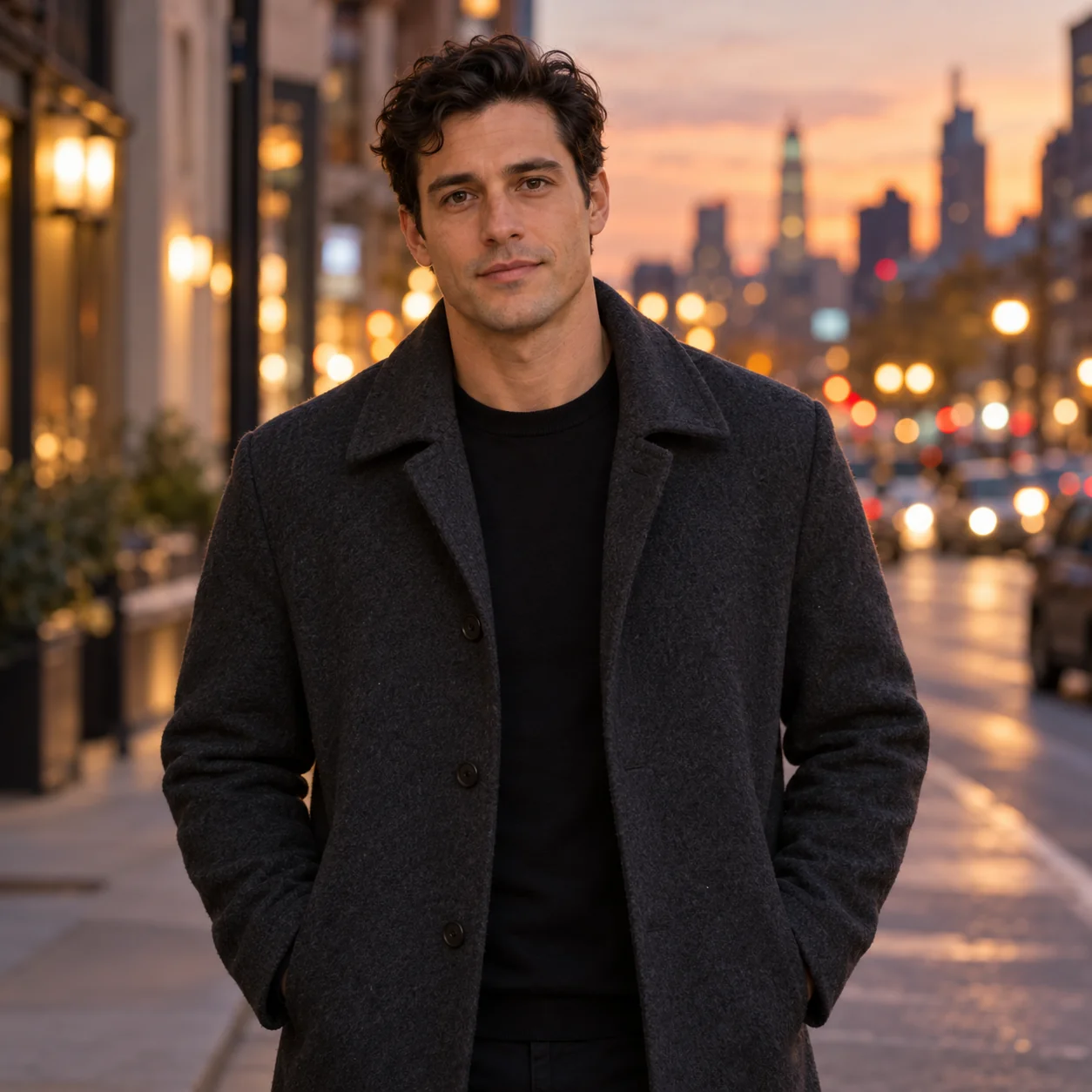
  1. Portrait photo used as a Christmas video reference1

    Step 1

    Start with a scene or a reference

    Write your Christmas scene, with no upload needed. Photos or videos are optional; add MP3 music only alongside a photo or video.

  2. Santa transformation with green velvet and a Christmas hat
    2

    Step 2

    Choose a Christmas effect

    Pick a scene and edit its starting prompt. Keep one main action, such as a wave, so the short clip has a clear focus.

  3. Christmas video of an adult changing into a green Santa outfit
    3

    Step 3

    Create your video

    Choose the length, shape, and size, check the credit estimate, then make your Christmas video.

  4. Santa transformation video with a green Christmas outfit
    4

    Step 4

    Preview and download

    Watch the finished clip, download it, or keep your references and details while trying another version.

Create my Christmas video

Plan your Christmas clip

Santa transformationChristmas girlReindeer magicChristmas togetherA Christmas surpriseFestive pet

Try another scene with the same references

Switch scenes without adding your files again. Your files and video options stay; the new scene fills in a new starting prompt for you to edit.

Keep your main subject easy to see

Choose a clear photo of the person or pet. Avoid crops that cut across the face or hide the part of the subject you want to move.

Give the clip one clear action

A wave or a head tilt fits a short greeting. Keep the subject, one action and one camera move together; save scene changes or a second action for another clip.

Choose a shape for where you will share

Use a portrait frame for a phone post, a square for a feed, or a landscape frame for a wider scene. Set the shape before creating so the composition has room for your subject.

Christmas transformation style preview

Check faces, movement, and sound

Play the whole result before downloading. Look for changes to faces, hands, or paws, and listen to any generated audio before choosing a version to share.

Plan each new version

Check the credit estimate before creating another clip. Choosing a different scene or revising your details does not start generation.
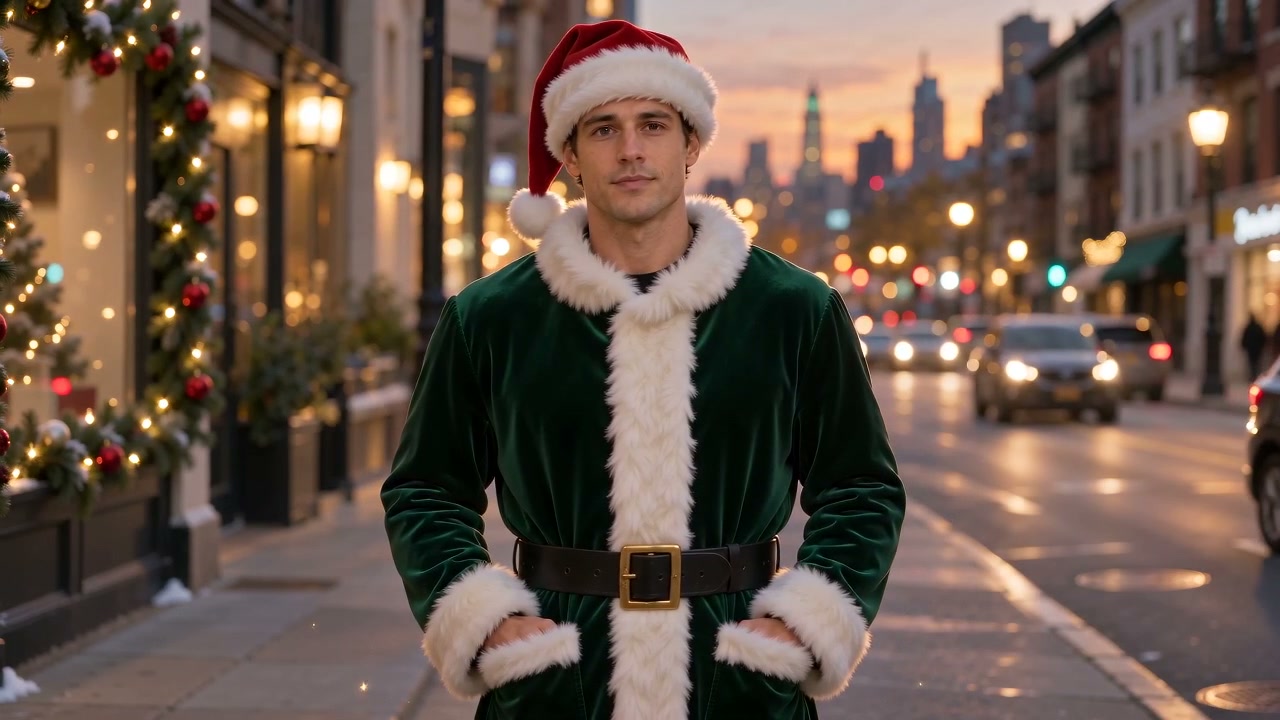
Christmas video ideas to make your own

  • Start with a selfie and choose Santa makeover. Keep the short clip focused on the change into green velvet and a Santa hat. A gentle camera push lets the new look take the spotlight.
    Your Santa transformation

    Try this idea
  • Use a couple's photo and choose Christmas together. Ask for one small wave beside the tree, red and green sweaters, and a steady camera that keeps you both in frame.
    A wave from the two of you

    Try this idea
  • Use a clear pet photo and choose Festive pet. Ask for a curious head tilt, a red scarf, and wrapped gifts. Leave space around the head for that small movement.

    A Christmas message from your pet

    Try this idea

Christmas AI video generator FAQs

How can I make a Christmas video from a photo?

Upload a selfie, a couple's photo, or a pet picture. Choose a scene and edit the starting prompt with one action, such as a wave. Check the options and credits before creating, then play and download your finished clip in the workspace.

Can I make a Santa Claus transformation from my photo?

Choose Santa makeover, then edit the prompt to describe the movement or setting you want. It gives you a starting direction rather than a fixed video template. Faces and small details can change, so preview the result before sharing it.

What should I write for a Christmas greeting video?

Describe a moment rather than a whole story: ‘The couple in the reference photo give one small wave beside a glowing Christmas tree, in one steady shot.’ If you add a movement reference, say which movement to use. Add names or exact greeting text in a separate editor after downloading; this tool does not guarantee accurate lettering or spoken words.

Does a video reference edit my uploaded clip?

No. A video reference guides the movement in a newly generated Christmas clip. It does not directly edit the uploaded footage. For changes to an existing clip, open the separate Video editing tool below.

Can I use my own Christmas music?

You can add an MP3 file as a sound reference alongside a photo or video. The finished audio is generated and may differ from your reference; the original song is not inserted into the video.

Can I create a Christmas video from text alone?

Yes. Describe the Christmas scene here, or choose a starting scene and edit its prompt. Photos and videos are optional. An MP3 sound reference must be paired with a photo or video; music alone cannot start generation.

How long can my Christmas video be?

Choose from 4 to 15 seconds in the video options. A single action, such as a wave or a head tilt, suits this short format. You can also choose the video shape and size before creating.

Does making a Christmas video use credits?

Yes. Creating a video uses credits, with the estimate shown before you submit. Choosing a scene and adding details do not start generation.

Explore more creative tools

Adult transforming into a green Santa outfit and Christmas hat

Christmas transformations

Start with a festive character idea and your own photo.

Preview artwork from the AI video effects collection

AI video effects

Explore camera moves and creative photo effects.

An adult couple beside a glowing Christmas tree

Image to video

Give a favorite photo a new moment of movement.

A cinematic scene with an old handwritten letter

Text to video

Start with a written Christmas scene when you have no visual references.

A sunlit rural scene used in the reference-video collection

Reference to video

Guide a video with your own visual references.

A cinematic interior scene from the video workspace

Video editing

Describe a new direction for an existing clip.

A floating palace and flowing clouds from the Seedance collection

Seedance workspace

Explore a dedicated workspace for your next video.

An adult couple in festive clothing

AI kiss videos

Explore a photo-based couple video in its own tool.

An adult woman in a festive red Christmas look

Christmas AI photos

Create a holiday portrait before adding motion.

A Christmas greeting.With your own characters.

Start with your people or pet, choose a festive look, and describe one small moment to share.
Create my Christmas video

By AI Image GeneratorUpdated 2026-10-25

Model background: visual and audio references: ByteDance Seed · Seedance 2.0

AI Image GeneratorAI Image Generator

All-in-one AI studio for images, video & music

Create

  • Image Generator
  • Image to Image Generator
  • Video Generator
  • Image to Video Generator
  • Reference to Video
  • Restyle Video
  • Music Generator

Video models

  • Seedance 2.5
  • Seedance 2.0
  • Kling v3
  • Veo 3.1 Fast
  • Wan 3.0
  • MiniMax H3
  • Grok Video 1.5
  • HappyHorse 1.1

Image models

  • Nano Banana Pro
  • Nano Banana 2
  • Nano Banana
  • GPT Image 2
  • Seedream 5.0
  • Seedream 4.5
  • Qwen Image 3.0
  • Wan 2.7

AI Tools

  • AI Object Remover
  • AI Watermark Remover
  • AI Face Swap
  • AI Clothes Remover
  • Edit Image Text
  • AI Inpainting
  • AI Comic
  • AI Outfit Changer
  • AI Image Expander
  • Christmas Photos
  • Halloween Photo Editor
  • AI Image Upscaler
  • AI Effects
  • AI Kiss Generator
  • Christmas Videos

Company

  • About AI Image Generator
  • Contact us
  • Privacy Policy
  • Terms of Service
© 2026 AI Image Generator · Built with care
View history
An adult transforming into a green Santa coat and hat on a festive city street
Choose a Christmas effect

Choose the scene you like, then tell us what should happen.

A smooth transformation into green velvet and a Santa hat.

View history