NSFW AI Image Editor — Pose, Clothing, Camera (18+)
Upload an adult photo and rebuild it: choose one of 55 pose presets, set the clothing state to clothed, swimwear or nude, pick a camera angle and framing, then create. This NSFW AI image editor works image-to-image, keeps the person from your photo and shows the credit estimate before you submit.
Edit an existing photo instead of generating from a blank prompt
55 pose presets, three clothing states and four camera angles in one workspace
Credits and sign-in are shown before you create, so every attempt has a visible price
Before you start
Pose presets
55
Across 4 categories: standing, sitting, movement and floor poses.
Photo to get started
1
Upload one photo, then set pose, clothing, camera and framing inside the editor.
Upload formats
3
JPG · PNG · WebP
How to use this photo-based AI pose changer
Add your photo
STEP 1
Upload one adult photo
Use a clear JPG, PNG or WebP with the whole body in frame and even light. This photo supplies the person, the outfit and the background.
Pick one of 55 presets, set the clothing state (clothed, swimwear or nude), then choose a camera angle and a framing. The prompt is optional and only adds detail on top.
OriginalResult
Illustrative preview
STEP 3
Create and check the result
Review the credit estimate, create the image, then check the face, hands, the body boundary and the background at full size before you download.
Every attempt combines a pose preset, a clothing state, a camera angle and a framing. The framing also sets the output size.
Choose a pose
55
Floor · Movement · Standing · Sitting
Clothing
3
Clothed · Swimwear · Nude
Camera angle
4
Eye level · Low angle · Extreme low · Overhead
Framing
3
1024×1368 · 1024×1280 · 1024×1024
Your photo is the starting point
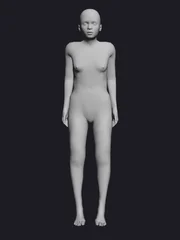
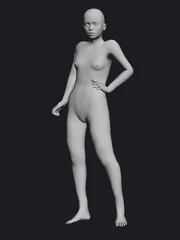
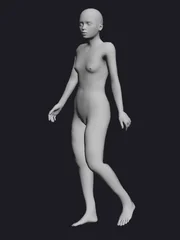
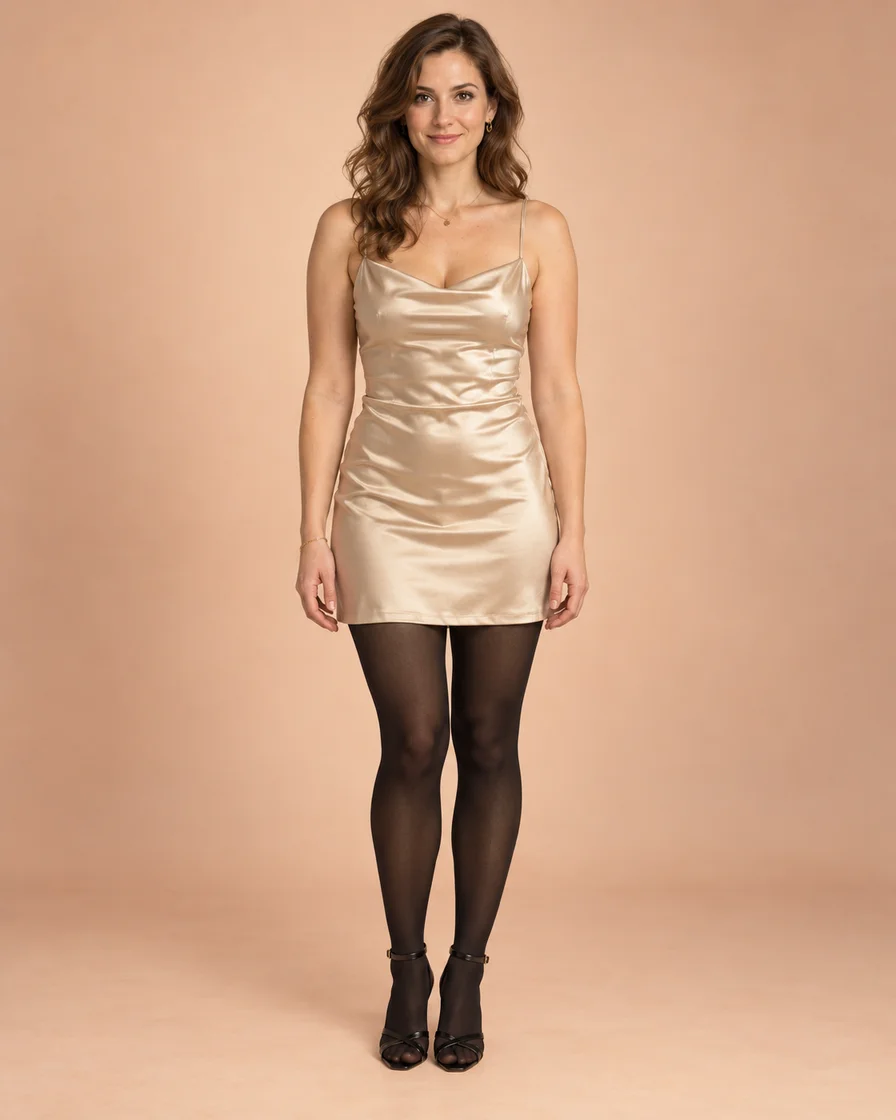
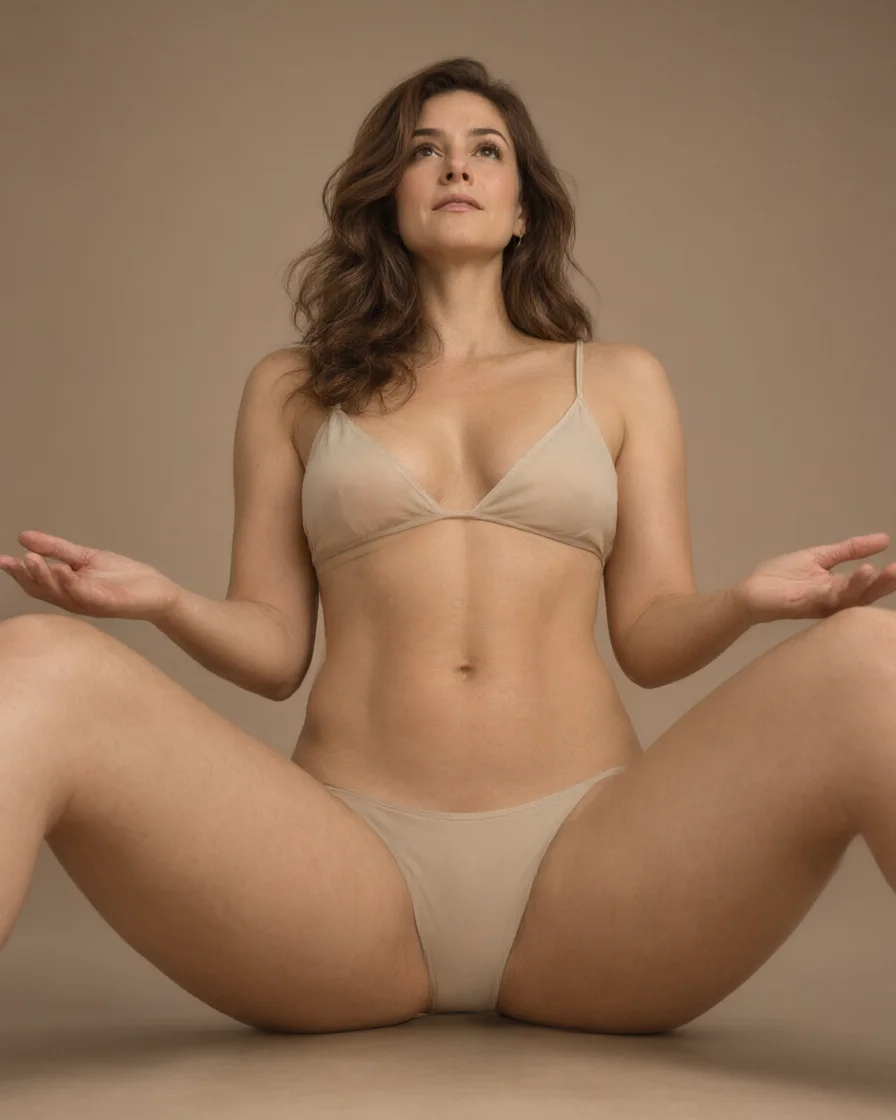
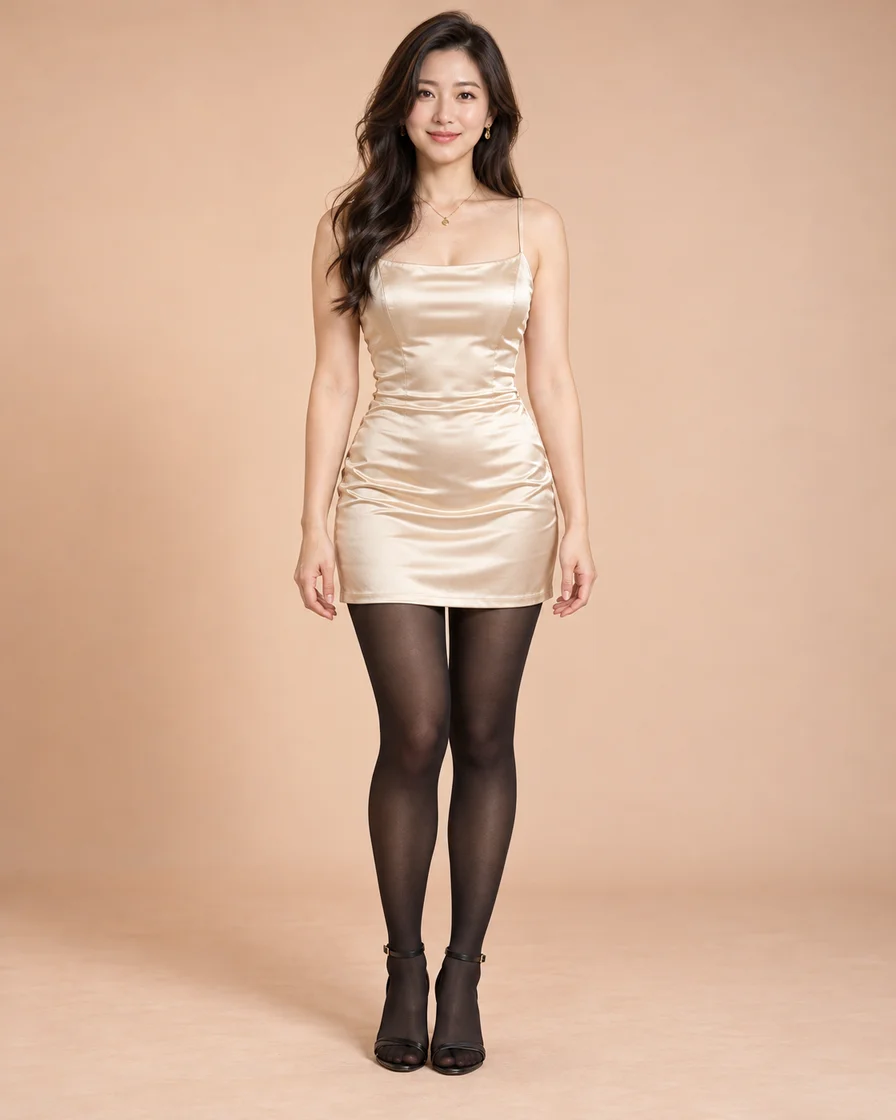
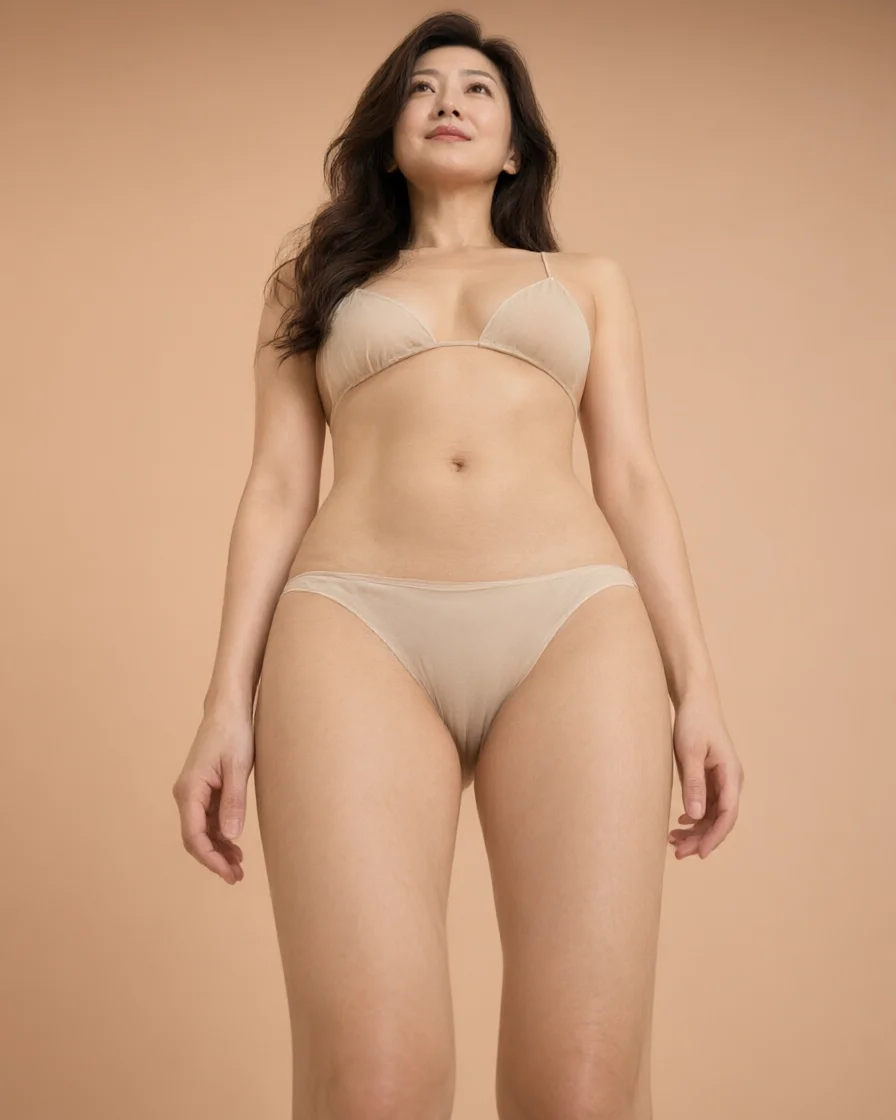
These paired illustrations show how a pose preset changes the body position of the same fictional adult. The clothing you see reflects the clothing state used for that sample; your own result follows your own setting and upload.
OriginalResult
Pose reference
Illustrative preview
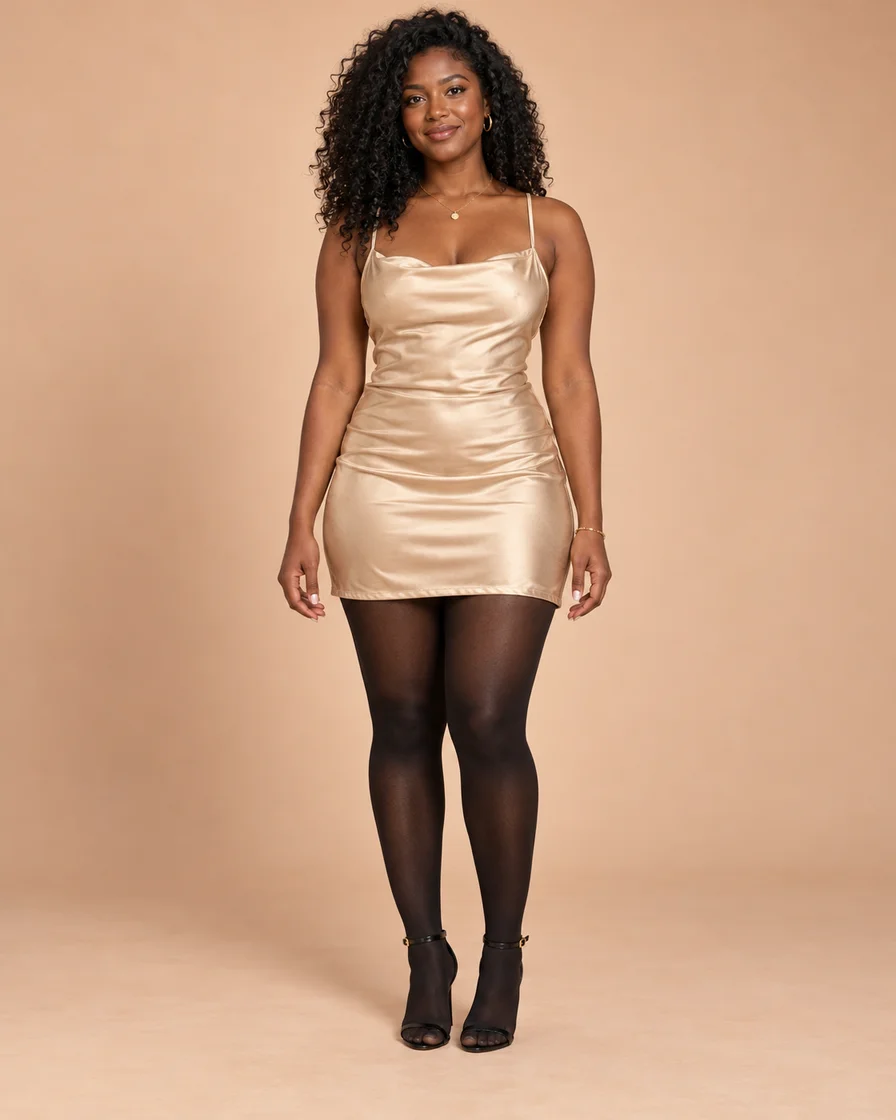
Full-body fashion portraits
Keep the whole person in frame when choosing a full-body pose. A clear view of the arms, legs and outfit gives you a useful starting photo.
OriginalResult
Pose reference
Illustrative preview
A pose you can see before creating
Browse the visual pose cards instead of describing every joint. Choose a reference, then review its preview before using your credits.
OriginalResult
Pose reference
Illustrative preview
A small note for the details
Use the optional Prompt field for an expression, outfit detail or setting. Keep your note focused so the photo and selected pose remain the main references.
AI-created examples show the same fictional adult in two different fashion poses. They illustrate the workflow; your photo and selected pose determine your own result.
How this NSFW AI image editor works, what it costs, and what it will not do
How the editor works
What an NSFW AI image editor does with your photo
An NSFW AI image editor edits a photo you already have instead of inventing a scene from text. The word order changes nothing: people search "nsfw ai image editor", "ai image editor nsfw" or "nsfw image editor ai" and land on the same workspace. Your adult photo goes in, you set the pose, the clothing state, the camera and the framing, and one new image comes back.
Image-to-image: the upload comes first
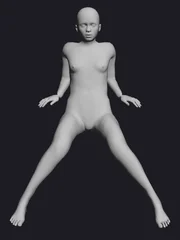
"Image to image nsfw", "nsfw image to image ai" or even a "nsfw ai image to image generator" search describes the mode this page uses: the photo is the input. That is why the person, the light and the background come from your file, and why a text-only request cannot start a job here. The mannequin guide only carries the body pose — its material, joints and labels are ignored by design, so a grey figure is not what your result will look like.
Choose a pose preset: 55 presets in four categories
Pose presets are grouped as standing, sitting, movement and floor poses, and the gallery holds 55 of them. "Ai pose changer", "pose changer ai", "pose change ai", "ai pose editor" and "change pose in photo" all describe this step: pick the card whose body position matches the composition you want. Standing and sitting cards keep the body upright and the frame readable; movement cards carry a sense of motion and usually need a wider framing; floor cards put the body low and change the background more than the others. There is one photo upload slot and no separate field for an external pose image.
Set the clothing state: clothed, swimwear or nude
The editor has a clothing control with three states. Clothed keeps the outfit from your photo, including fabric and accessories. Swimwear replaces the outfit with fitted swimwear. Nude renders the person without clothing, which is what "ai undresser", "undresser ai" or "ai undressing tool" requests are asking for. That makes clothing one of the two editing dimensions here alongside the pose. Only upload photos of adults you own or have permission to edit.
Camera and framing decide the composition
Two more controls sit beside the pose and clothing: a camera angle (eye-level, low-angle, extreme-low or overhead) and a framing (full body, mid-thigh or waist-up). Framing also sets the output size — a full-body result is 1024×1368, mid-thigh is 1024×1280 and waist-up is 1024×1024 — so the credit estimate follows the same choice. A low camera angle and a mid-thigh frame change the image more than a prompt does, which is why they come before the text field. Eye-level keeps a neutral look, low-angle lengthens the body, extreme-low is the most dramatic, and overhead flattens the scene. Choose the framing before the prompt: it decides what the model can even show.
Using the prompt as a small correction
"NSFW AI image editor with prompt" describes this workspace with the optional field filled in. The preset, the clothing state, the camera and the framing already carry the main instruction; the prompt adds one detail on top, such as which hand rests where, a specific look, or a small gesture. Keep it to a sentence and one idea, because a prompt that contradicts the selected pose or clothing state is not going to win.
Keep the instruction focused
One attempt should carry one change. Asking for a different pose, a different outfit and a different background in the same prompt makes it impossible to tell which instruction the model followed when the result looks wrong. Change the controls first — pose card, clothing state, camera, framing — and use the prompt only for the detail those controls cannot express. When you do generate, compare at full size before deciding what to adjust. A practical loop: change the pose card first, then the clothing state, then the camera, and only then the prompt. Each attempt costs credits, so one variable at a time keeps the number of attempts down.
Adult content is allowed and no separate adult-content filter is added on top of the model, which is what "ai image editor nsfw allowed" or "uncensored ai image editor" describes. What remains are legal limits: adults only, photos you own or have permission to edit, no minors and no non-consensual imagery.
The nude setting removes the clothing
With the clothing control set to nude, the finished image is the person without clothes, in the pose, camera and framing you picked. Accuracy depends on the input: crossed limbs and heavy shadow leave the model less to read, and the face, hands, body boundary and background are the four things to check before keeping the image.
Free, credits and sign-in: what is actually free
"Free nsfw ai image editor", "nsfw ai image editor free" and "ai nsfw image editor free online" are the most common modifiers in this category, so here is the honest version. Uploading a photo and browsing the pose cards starts no task and costs nothing. Creating the image requires an account, uses credits, and shows an estimate before you submit. Searches that add "no sign up" or "no login" describe a condition this page does not offer.
Browser only: no download, no install
"Nsfw ai image editor online" also asks how the tool is delivered. It runs in the browser on desktop, Android and iPhone — an "nsfw ai photo editor android" search lands on the same page — with no app to install, no APK and no separate app account. The workspace keeps your photo, pose card and settings while you compare attempts, so you can try another clothing state or camera angle without uploading the file again. The quality ceiling is your upload: a compressed copy from a messaging app renders worse than the original file.
Comparison searches are about which editor to pick, so judge with checks you can run yourself rather than trusting a list. Four checks cover most of it: the face keeps its structure, the hands keep five fingers and a believable grip, the boundary between body and background stays clean, and the background does not warp around the new pose. Run the same upload through two tools at the same framing and compare at full size; a ranked list without samples of your own photo tells you very little.
Limits: face, hands, clothing edges and background
Exact preservation is not guaranteed. Hands, jewellery and folded fabric drift first, then the body boundary, and heavy background clutter is where composition warps. The routine is always the same: face, hands, body boundary, background, then change one control and regenerate.
Who this pose editor is for (and who it is not for)
This tool is for editing adult photos you own: switching pose, clothing state, camera and framing on the same person. It is not a general-purpose retoucher for swapping in another person, not a medical or rehabilitation tool, not a 3D rig or OpenPose viewer, and it cannot take a second photo as a pose reference — the poses come from the presets on this page. If you need a body position the presets do not cover, this editor will disappoint you faster than it will help. It suits a creator testing angles on their own photos, a moodboard that needs the same person in several poses, or a night-shot idea that needs a lower camera. It does not replace a photographer, a retoucher or a 3D artist. A creator can also test a clothing state and a camera angle on the same photo before booking a shoot.
This workspace focuses on changing poses in an existing photo. Upload your image, select a visual pose reference, and create a new image. It is a photo-based pose editor rather than a general-purpose retouching workspace.
How is image-to-image different from a text-to-image generator?
Image-to-image starts with a photo you supply. Here, your photo and the selected pose guide are the visual references. You cannot start from text alone in this tool.
Which poses can I choose?
Browse standing, sitting, movement and floor poses. Select a card to update the reference, or open the full pose gallery for more choices. The mannequin preview can show a woman or a man.
Do I have to write a prompt?
No. The selected pose and your photo are enough to start. Open Prompt when you want to add an expression, outfit detail or setting, then review the result to see whether the instruction worked.
Will the result exactly match my original photo?
Treat the pose guide as a target, not an exact preview. Review the face, hands, clothing and background before downloading. You can keep your photo in place and try a different pose or a more focused note.
Is this a free NSFW AI photo editor?
Creating an image uses credits and requires sign-in. Check the current estimate beside Undress before generating. Your usual account balance and top-up options apply; a new generation uses credits again.
Can I try another pose without uploading again?
Yes. Choose another pose while keeping your current photo, review the preview and credit estimate, then create another image. Your photo and Prompt stay in the editor while you make those changes.
Is this an uncensored AI image editor with no restrictions?
Yes for adult content. Mature requests are allowed here and no separate adult-content restriction is added on top of the model. The limits that remain are legal ones — adults only, photos you own or have permission to edit, no minors and no non-consensual imagery — plus the account and credit checks shown in the editor.
Are the sample images real before-and-after results?
The fashion portraits are original AI-generated illustrations, paired to show the same adult model in two different poses. They explain the photo-to-pose workflow rather than promise an identical result from your own photo. Use the divider to inspect both images.
Is this an image-to-image NSFW editor?
Yes. Your uploaded photo and the selected pose reference are the inputs, and the result is a new image; "image to image ai nsfw" describes exactly this setup. Text alone cannot start a job here.
Can I change only a hand or a small gesture?
Small corrections work by choosing the closest pose and describing the change in the prompt, in the spirit of a "change hand position in photo ai" request. For a different body position, pick another reference card first.
What does uncensored mean on this page?
It means adult material is allowed and the result is the undressed version of the uploaded adult photo. Queries such as "nsfw uncensored ai image editor", "ai undresser" or "remove clothes from body" land here; the workspace does not add a separate adult-content filter. Accounts, credits and the legal limits still apply: adults only, and only photos you own or have permission to edit.
How do I choose between NSFW AI image editors?
Run the same upload through two tools and compare face, hands, clothing edges and background. A "best nsfw ai image editor" list is a starting point only; the comparison has to happen on your own photo.
Does the prompt work with every pose preset?
The prompt field is available with any pose card, but it works best as a small addition: a hand position, an angle or a gesture. For a completely different body position, choose another reference instead of describing it in text.
Does this tool undress the person in the photo?
Yes. The pose you choose is what the model builds the finished image from, and the clothing is removed in that result. Only upload an adult photo that you own or have explicit permission to edit: no minors, and no non-consensual imagery. Whether the face, hands and edges land exactly where you want still depends on the input photo and the prompt.
Can I upload my own pose reference instead of a preset?
No. The poses come from the 55 presets on this page, grouped as standing, sitting, movement and floor. There is one photo upload slot and no second field for an external pose image, so a request that needs a specific pose outside the gallery is better served by another tool.
What resolution do I get?
The framing decides it: a full-body result is 1024×1368, a mid-thigh result is 1024×1280, and a waist-up result is 1024×1024. The editor shows the framing before you create, and the credit estimate follows the same choice.
Does the prompt replace the pose preset?
No. The preset sets the body position; the prompt only refines detail on top of it, such as which hand rests where or the angle you want. If the two disagree, the preset carries the pose and the prompt is best used for small corrections.
Is the output always fully undressed?
The result is rendered as the undressed version of the adult photo you supply, but how cleanly it reads depends on the input: crossed limbs, heavy shadow and a vague prompt all leave more room for artefacts. Check face, hands and the body boundary at full size, and regenerate with one adjusted detail when something drifts.
Can I choose between clothed, swimwear and nude?
Yes. The clothing control has three states: clothed keeps the outfit from your photo, swimwear replaces it with fitted swimwear, and nude renders the person without clothing. The choice applies together with the pose preset, the camera and the framing.
Do camera and framing change the output size?
Framing does. Full body renders at 1024×1368, mid-thigh at 1024×1280 and waist-up at 1024×1024. The camera angle changes the viewpoint rather than the canvas, and the credit estimate follows the framing you pick.
Is the nude setting allowed on every photo?
No. Only adult photos that you own or have explicit permission to edit; minors and non-consensual imagery are never allowed. The account and credit checks apply the same way as any other attempt.
Your photo supplies the starting appearance. A pose reference shows the position to aim for. Knowing the difference helps you choose your input and review the result.
Why your photo comes first
“you can also pass an initial image as a starting point”
Hugging Face’s image-to-image guide describes the initial image as a starting point. For a full-body pose, choose a photo that shows the whole person so you can compare the new composition.
The 2023 ControlNet paper studies human pose as a visual control for image generation. This is background reading on pose guidance. In your own edit, compare the finished image with the selected reference and inspect the face, hands and background before keeping it.